

Book the inspection with everything you need to make the call.
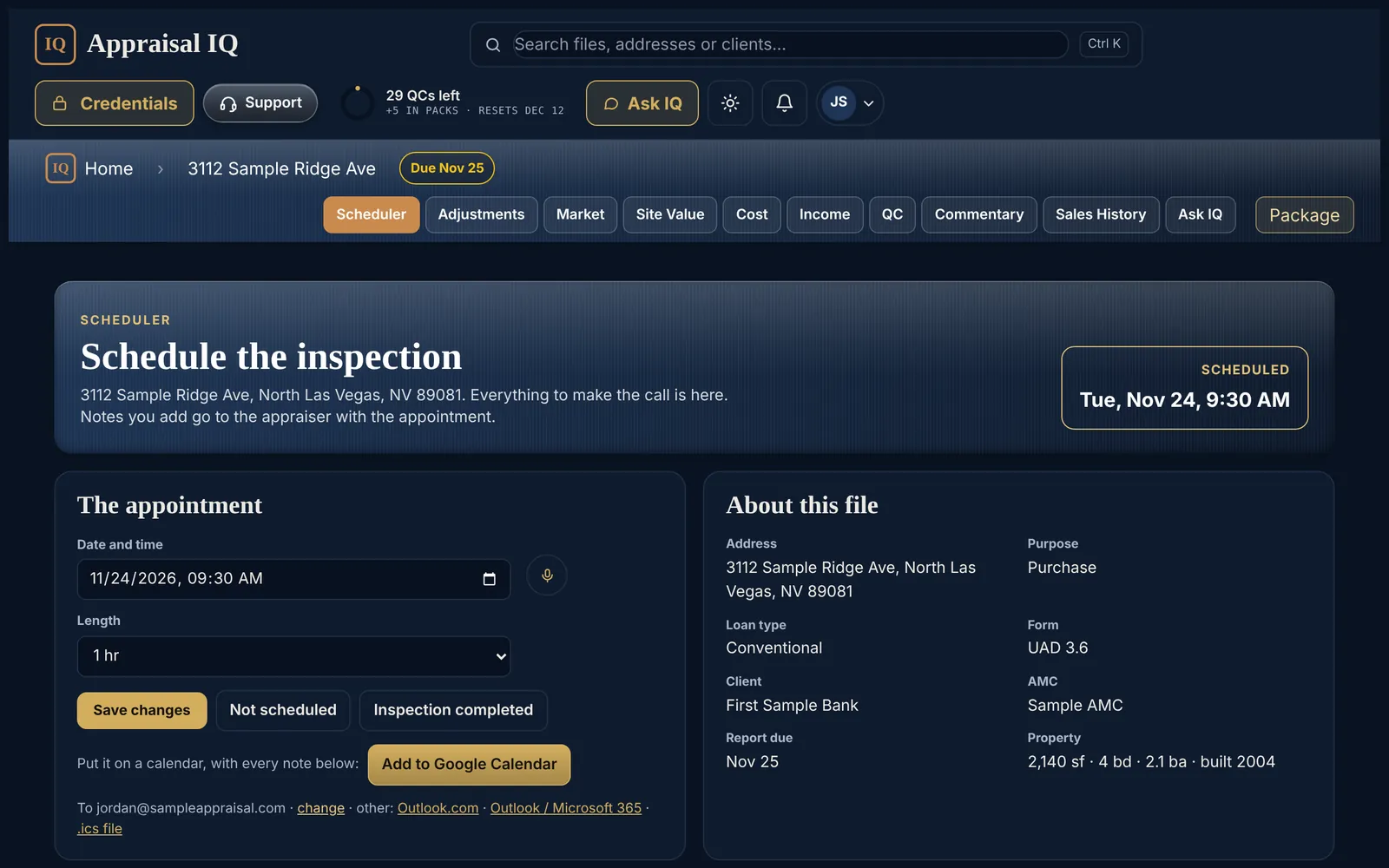
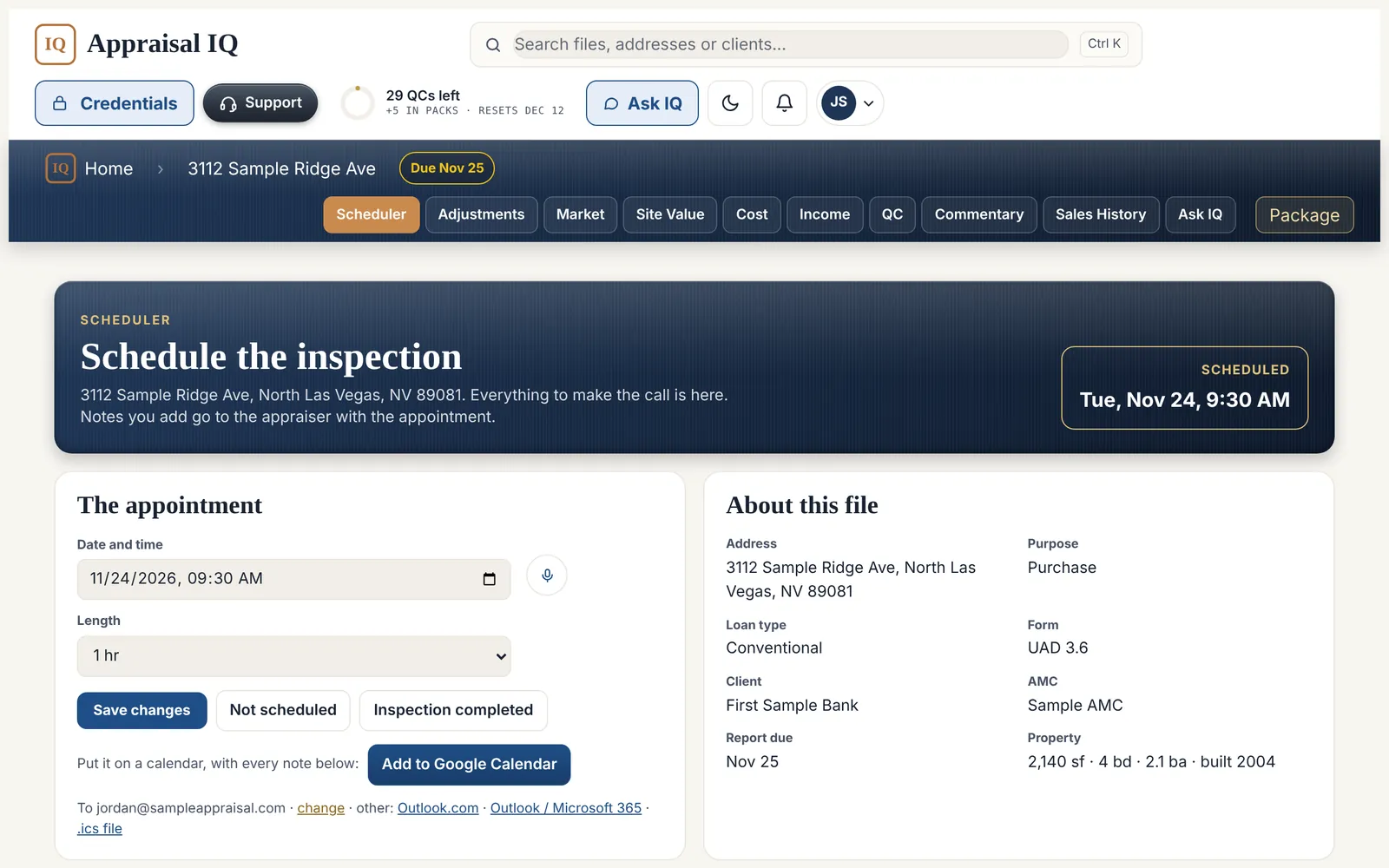
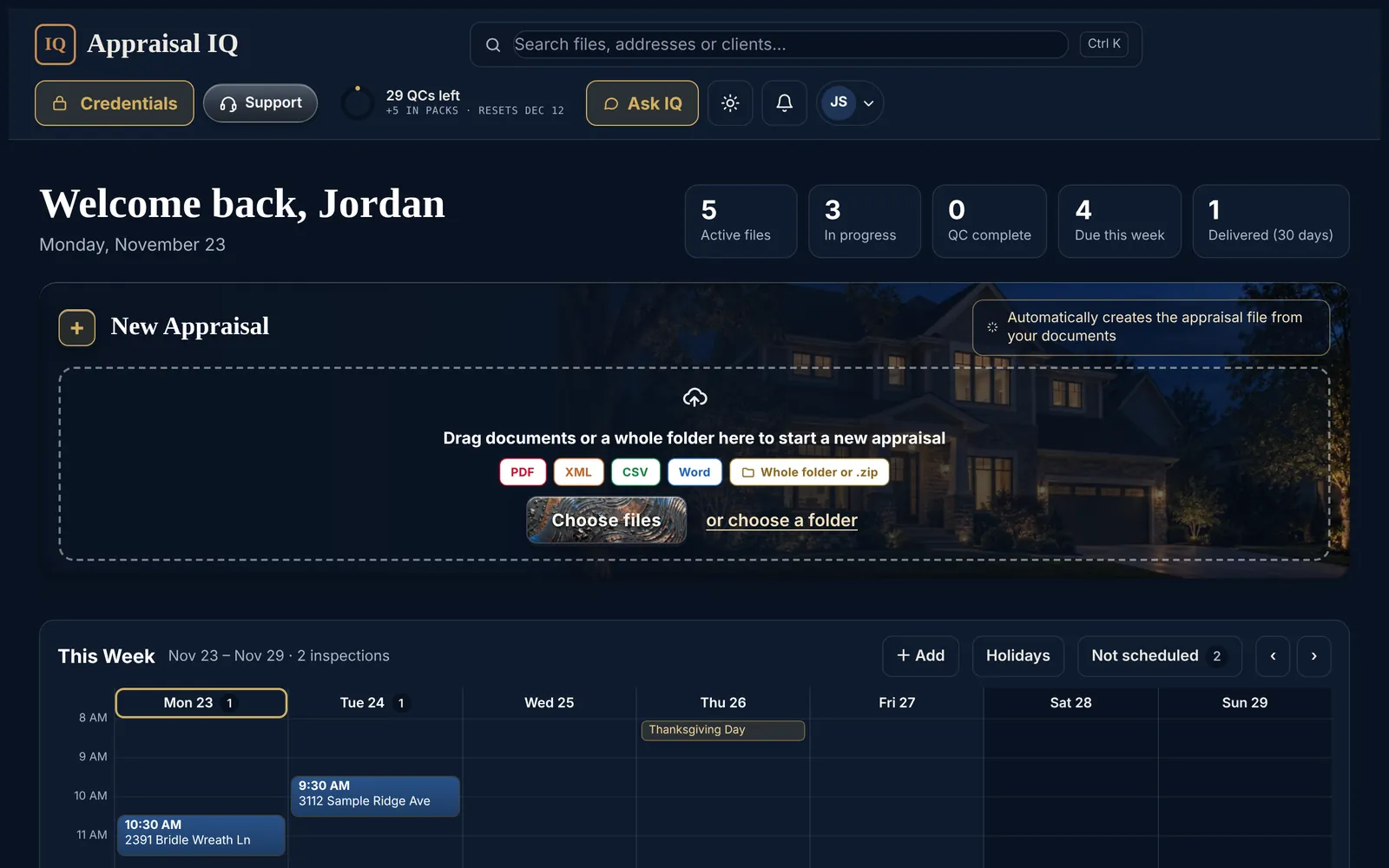
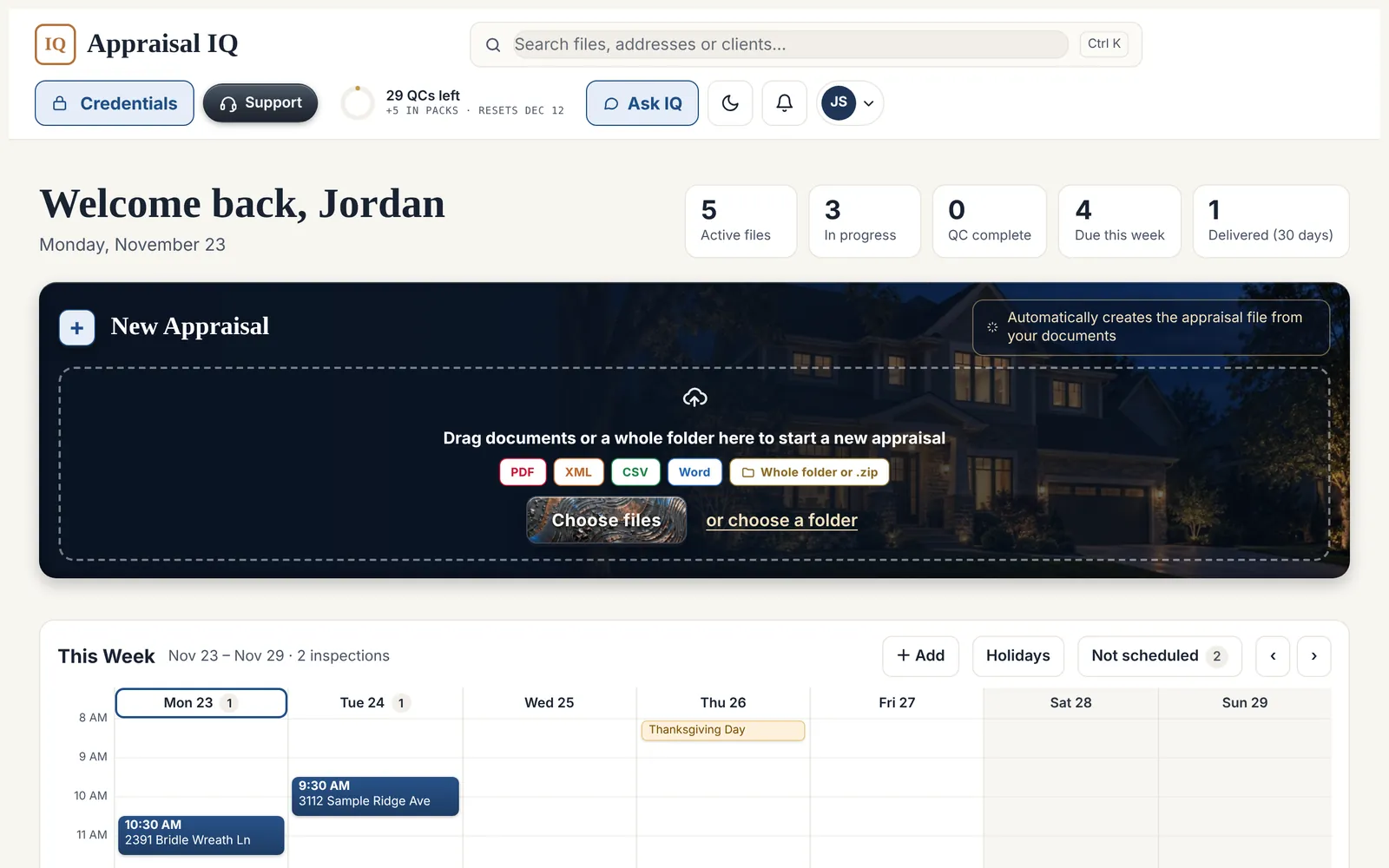
Contacts, access notes and the agent come from the engagement letter and the MLS sheet. Set the time, or say it. Add it to Google Calendar, Outlook or any calendar in one click, and see every inspection and open slot for the week on Home.
Scheduling is a phone call that needs five documents open.
Who to call, the access notes, the lockbox, the gate code, the agent's number: it's all in the engagement letter and the MLS sheet, and none of it is where you are when you pick up the phone.
Digging for the right number
Borrower, point of contact, listing agent. On a refinance, an old listing's agent is the wrong person to call.
Double entry, again
The appointment goes in the tracker, then the calendar, then a text to yourself with the notes.
Booking a 1004D too early
A final inspection booked before the repairs are done is a wasted trip.
Everything for the call, then one click to the calendar.
The Scheduler is built so an assistant can book the inspection without the appraiser.
Call with the file in front of you
Contacts come from the engagement letter (point of contact, borrower, agents) and the current MLS sheet (listing agent, access and lockbox notes). On a refinance or HELOC, an MLS sheet is treated as a prior listing for information only, and Osova asks if it can't tell.
- Check what the caller learned: gated, solar, recent remodeling
- Notes for the appraiser go with the appointment
- Before a 1004D, it asks the contact whether each item is complete
Set it, say it, send it to your calendar
Enter the date and time, or press the mic and say it ("Tuesday at 8 a.m."). Add to Google Calendar, Outlook or download an .ics with the notes filled in. The tile shows the status, and the week calendar on Home shows every inspection in the color of the person doing it.
- Holidays and open slots on the week view
- Click an address on the calendar to open its Scheduler
- Cancel with no fee, a trip fee or a partial fee
From the call to the calendar.
It organizes the visit. The inspection is yours.
The Scheduler keeps the who, when and how of getting in the door. What you observe and report at the property stays your work, and every booking and cancellation is stamped with who did it.
Straight answers.
Can my assistant schedule for me?
Yes. It's built so an assistant can book the inspection without the appraiser. Assistants pick their name under Working as, so every booking is stamped with who did it.
Which calendars does it work with?
Google Calendar and Outlook / Microsoft 365 in one click, or any calendar that opens an .ics file.
What about refinance files with an old MLS listing?
On a refinance, HELOC or other non-purchase file, an MLS sheet is usually a prior listing, so its agent and access details aren't used. If Osova can't tell, it asks.
Does it handle final inspections?
Yes. Before booking a 1004D, it asks the contact whether each repair or item is complete. Schedule it once every item is confirmed, or set a call-back date.
One subscription. Your whole desk.
Scheduler and week calendar is one of 16 tools in every Osova license.
Your week, booked and in one place.
New plans and pricing arrive January 1. Request early access and we'll set you up. Your reports and work stay on your computer.