

Every prior sale and transfer, written up from your records.
Drop the subject's PDF and the comparables' PDF. Osova reads the MLS sheets, the MLS history and the tax records and writes the history USPAP and the lenders ask for: the subject's listings and transfers, and every comparable's prior transfers, with dates, prices, deed types and parties.
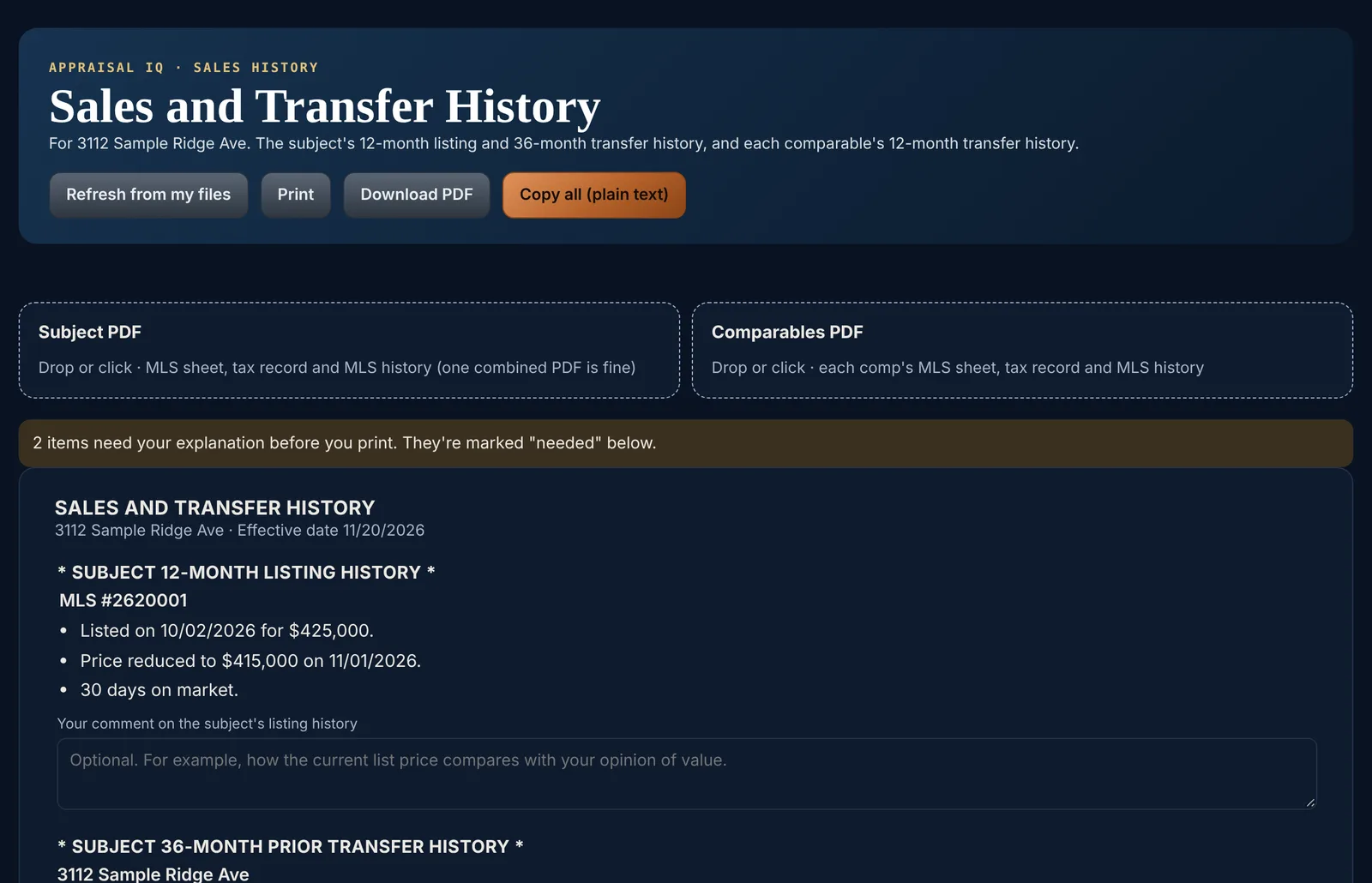
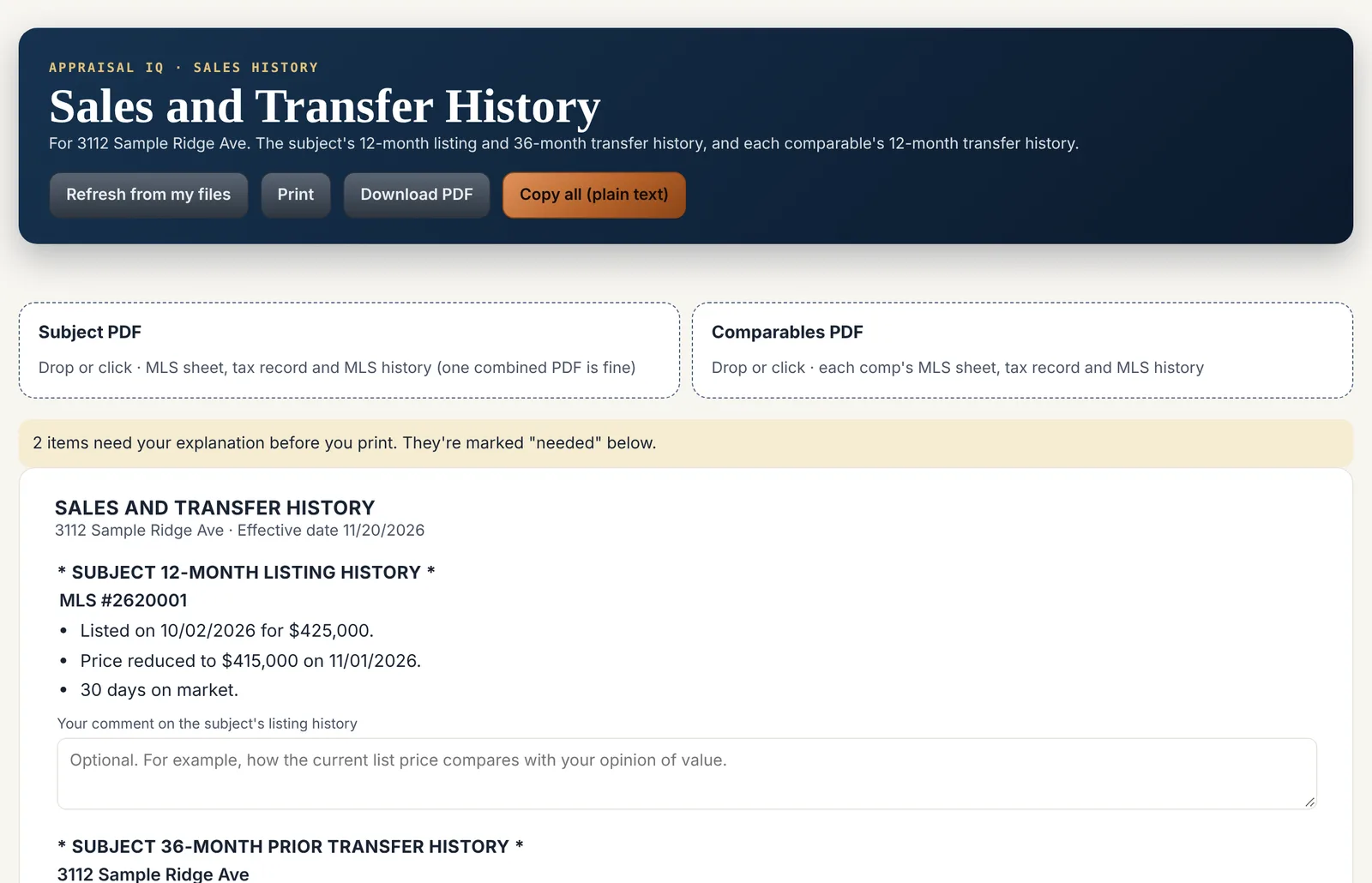
The transfer history is tedious, and a missed line is a revision.
USPAP requires the analysis. Lenders want it for every comparable too. It means reading a tax record and an MLS history for the subject and each comparable, then explaining any big change in price.
Six properties, three documents each
Tax sheets, MLS sheets and MLS history reports for the subject and every comparable, read line by line for dates, prices, deeds and parties.
Explaining a jump in price
A foreclosure bought low and resold renovated needs a sentence that says why. Leave it out and the underwriter asks.
One line gets dropped
A transfer outside the window, a quit claim between relatives, a sale missing from the tax table: small things that turn into conditions.
Drop two PDFs. Get the history, the flags and the words.
Sales History reads the same printouts you already pull for the file and writes the report in the order a reviewer expects.
Drop the subject and the comparables
One combined PDF for the subject (MLS sheet, tax record, MLS history) and one for the comparables is enough. Osova recognizes each page by what's on it and matches every property by address.
- Subject: 12-month listing history and 36-month transfer history
- Comparables: each one's 12 months before its own sale
- Windows run from your effective date
Read the report, with every transfer laid out
Dates, prices, deed types, buyer, seller and document number where the tax record has them. Foreclosures, quit claims and affidavits are flagged, and anything that needs your explanation is marked "needed" before you print.
- Grantor, grantee and document # only where the record shows them
- Prices cut off in a printout are taken from the MLS history instead
- Include or leave out each comparable
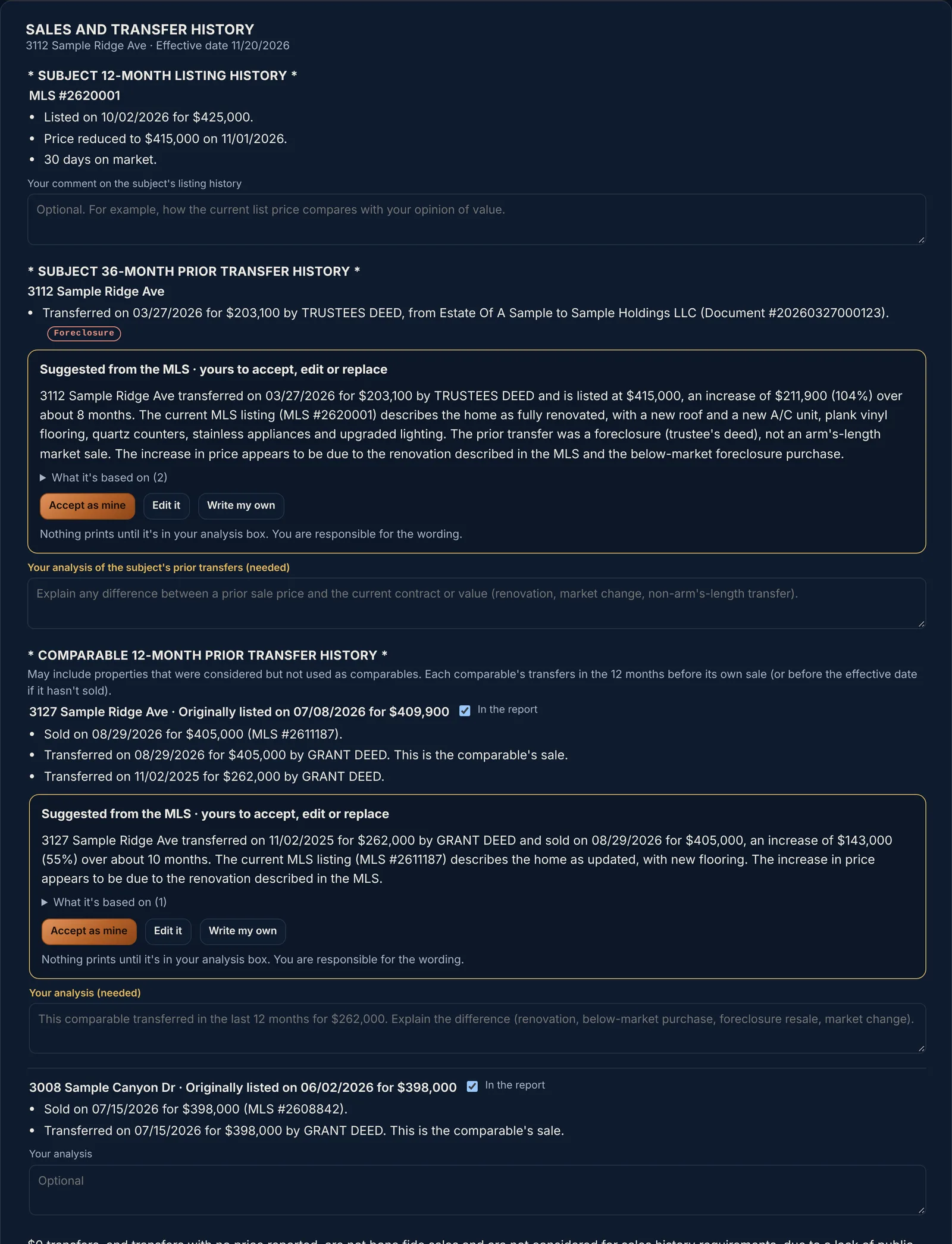
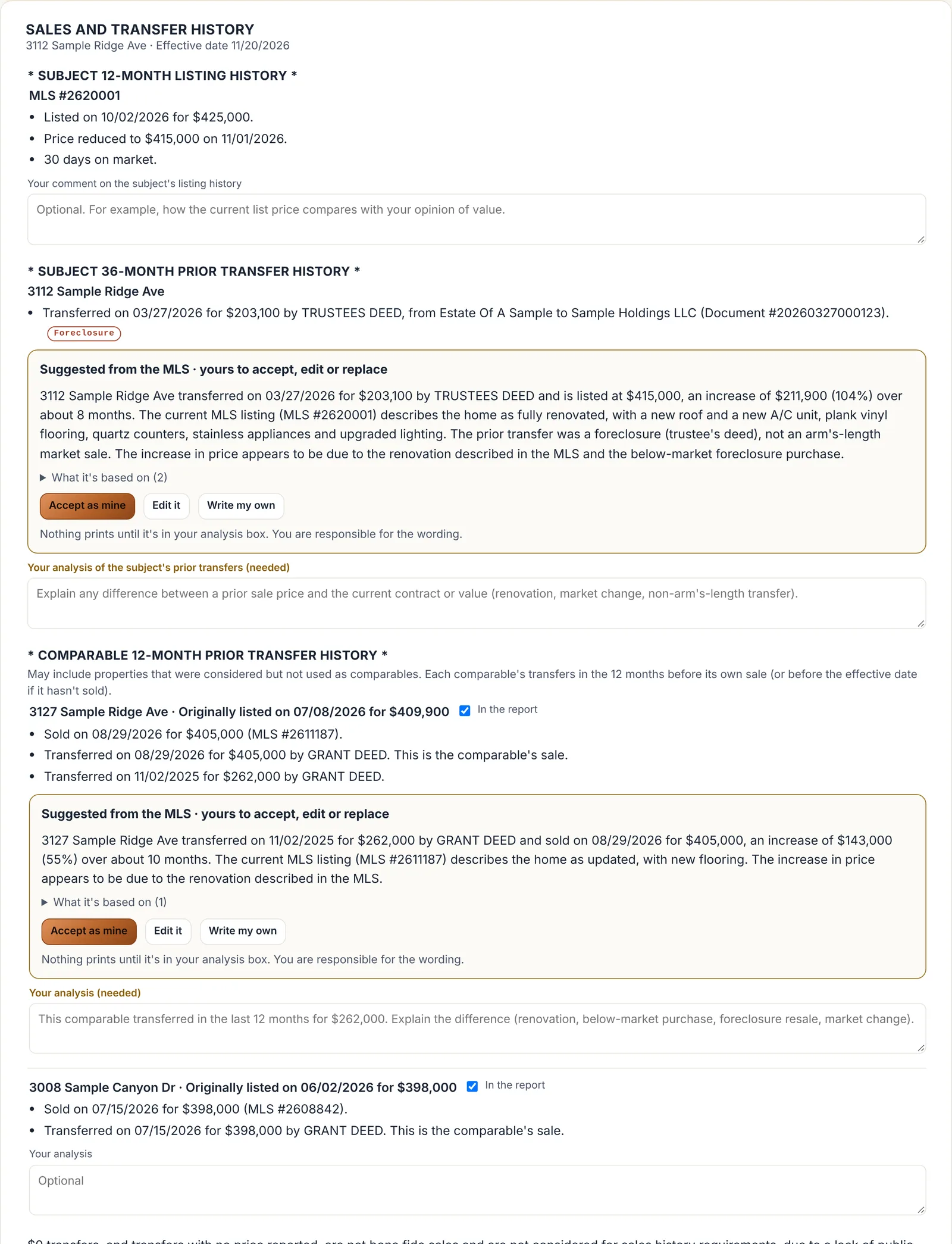
Accept, edit or write your own explanation
When a property resold for a lot more, Osova suggests why, using only what the MLS remarks and the tax record say: a renovation, a below-market foreclosure purchase. If the records don't support a reason, it tells you so instead of guessing.
- See the remarks and the tax line it's based on
- Accept as mine, Edit it, or Write my own
- Only your analysis box prints
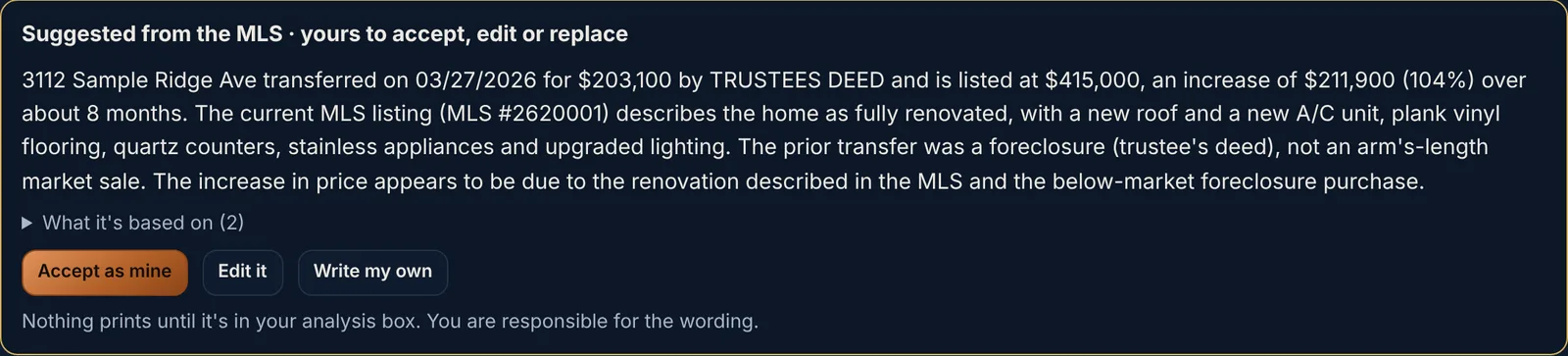
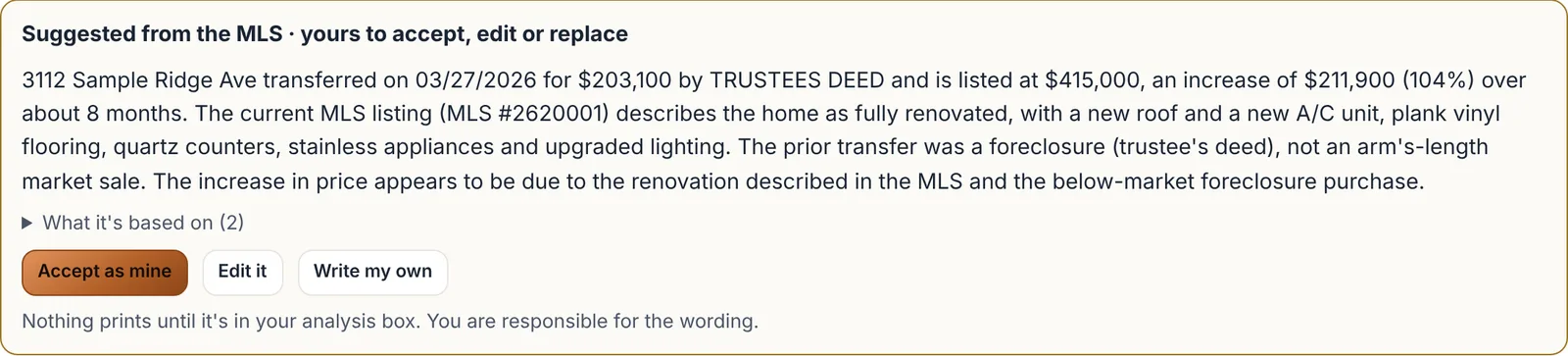
The whole history, ready for the report and the work file.
It finds and lays out the facts. The analysis is yours.
Osova never writes a reason the records don't state. Its suggestions are clearly marked, nothing prints until it's in your own analysis box, and you're responsible for the wording, exactly as USPAP expects.
Straight answers.
What does USPAP require for prior sales?
Standards Rule 1-5 requires analysis of the subject's current agreement of sale, option or listing and its prior sales within three years of the effective date. Lenders and the agencies also expect each comparable's prior sales within the year before its sale. Sales History covers all of it.
Will it make up a reason for a price change?
No. It suggests a reason only when the MLS remarks or the tax record support it, such as a renovation or a foreclosure purchase. Otherwise it says the records don't provide enough information, and you write your own.
Which MLS and county formats does it read?
Today it reads the Las Vegas (GLVAR) MLS sheet and MLS history report with Clark County style tax records. More MLS and county formats are being added; send us a sample printout and we'll add yours.
Where does the report go?
Print it, download a PDF for your work file, or copy it as plain text into your addendum. Your accepted analysis also fills Ready Commentary's transfer history boxes.
Is anything stored?
No. Your reports and work stay on your computer. The PDFs are read in your browser and the report is saved with the file on the computer you used, unless you share the file with your team.
One subscription. Your whole desk.
Sales History report is one of 16 tools in every Osova license.
Your next transfer history, written up.
New plans and pricing arrive January 1. Request early access and we'll set you up. Your reports and work stay on your computer.