

Adjustments you can support, measured from your own MLS export.
Drop a closed-sales export. Osova tests every feature you turn on by five methods, checks each result against a reasonable range for your market, and shows a figure only when a method can isolate the feature reliably. You choose the adjustments; the addendum explains them.
"Adjustments not supported" is the condition every appraiser knows.
Reviewers want to see where each adjustment came from. Typing a paired-sales study together in a spreadsheet for every feature on every file isn't realistic, so the support ends up thin.
A number without a method
A bath at $10,000 because it's always been $10,000. Underwriters ask how you measured it.
Features that move together
Bigger homes have more baths and garages. Pull one feature out cleanly and the others leak in.
Explaining it in the addendum
Which method, which sales, why that rate. It has to be something a reviewer could recreate.
Drop the export. See what the data supports, and why.
Adjustment Analysis works from the closed sales you already pull, in your browser. Your sales file isn't kept.
Drop your sales and check the columns
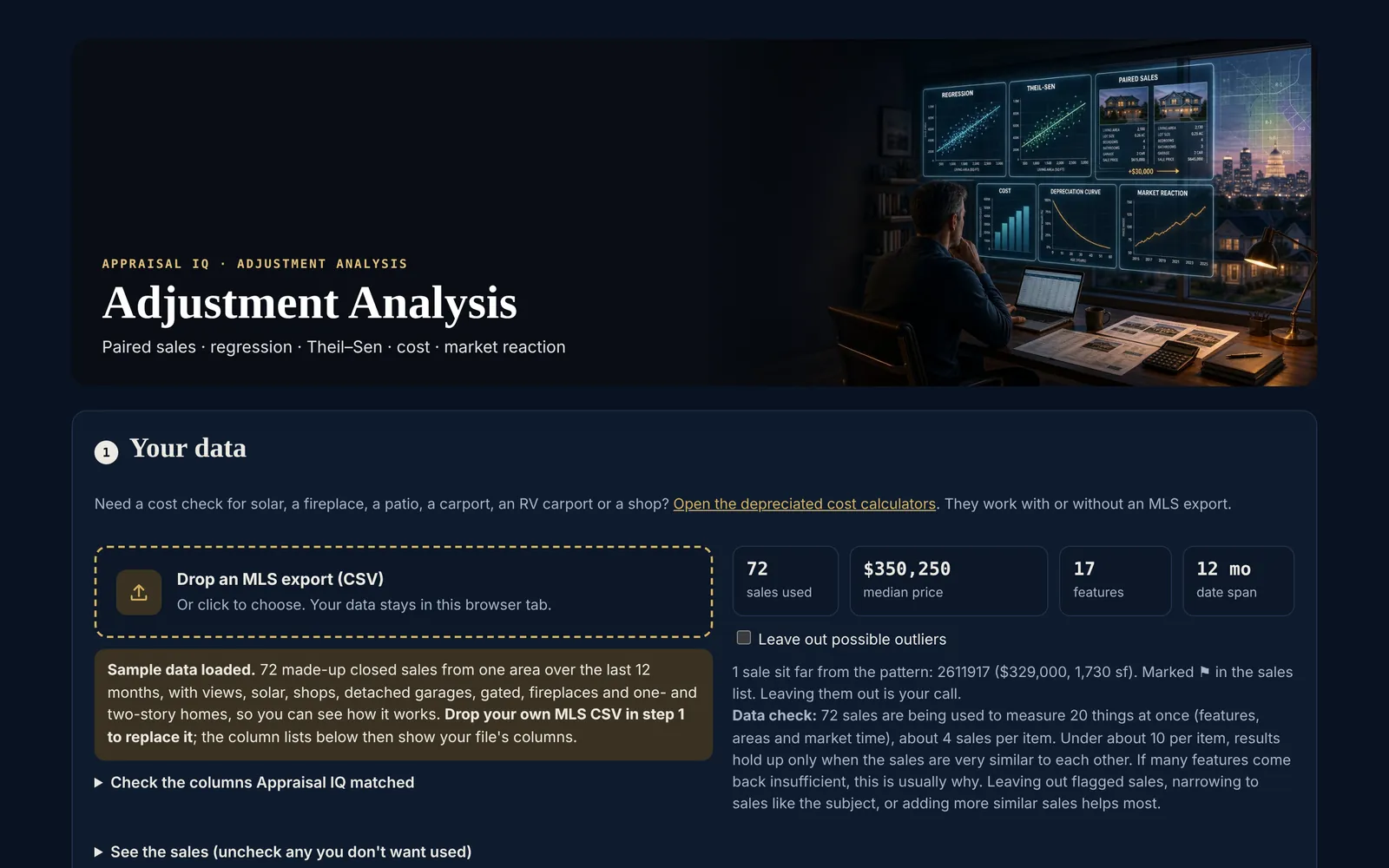
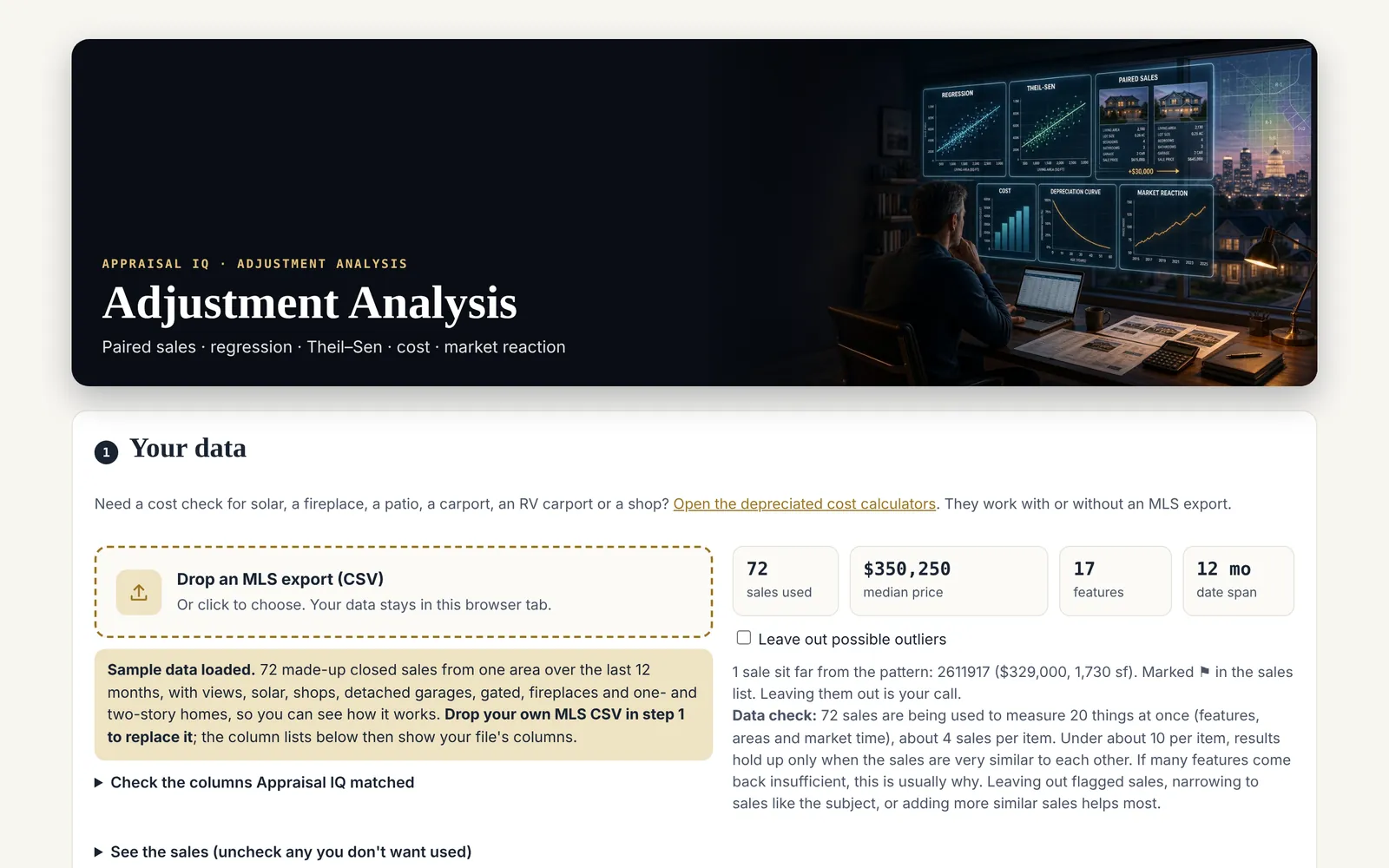
Pull the subject's market area, similar property type, roughly 12 to 24 months, ideally 30 or more sales. Osova matches the columns for you, and Check the columns lets you fix any it matched wrong. Leave out possible outliers, or uncheck any sale yourself.
- The subject fills in from the report or the file
- Turn on every feature you want tested, or add one from your own data
- Finished above grade, finished below grade and unfinished below grade are each their own adjustment
Keep only the sales that compete
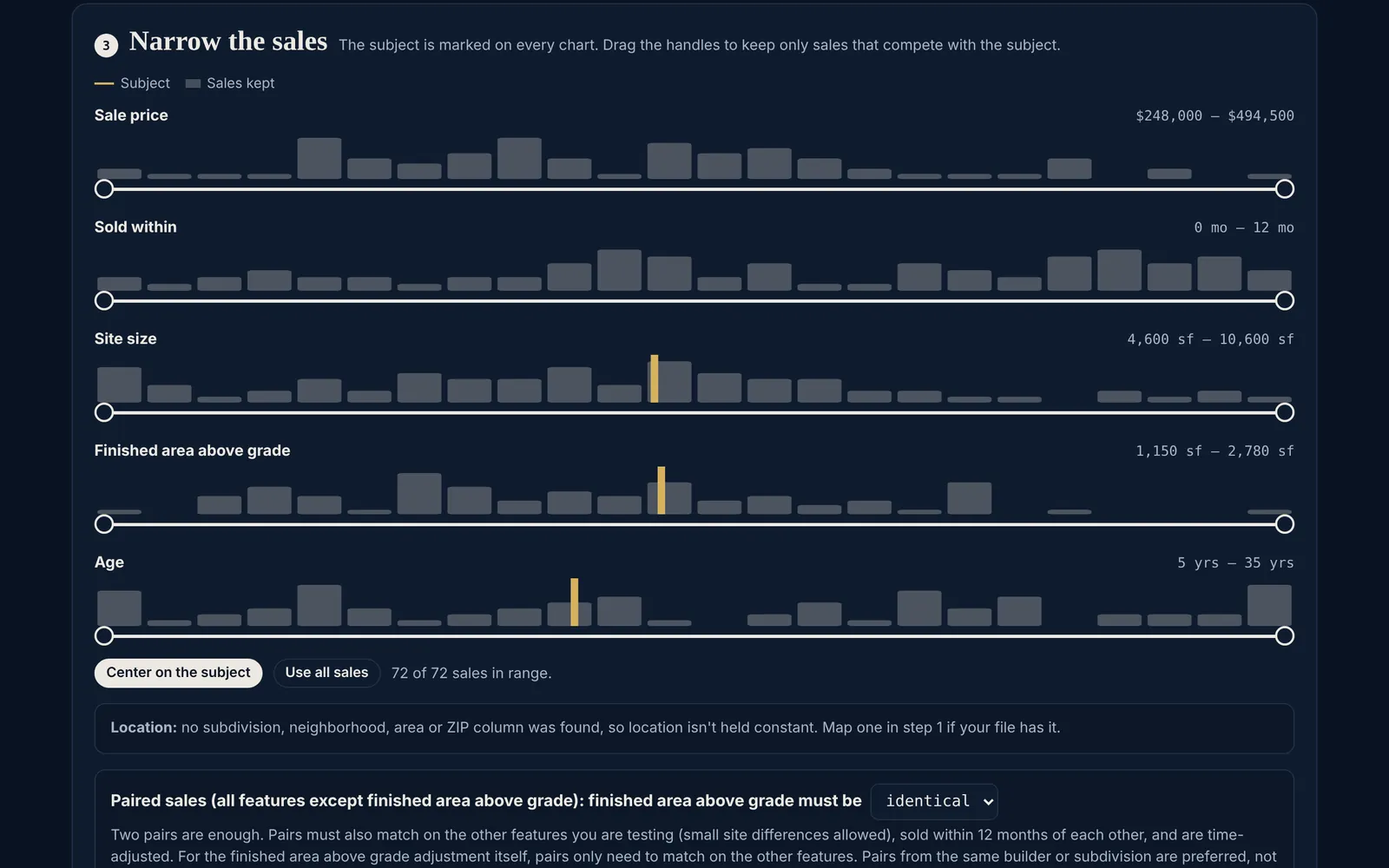
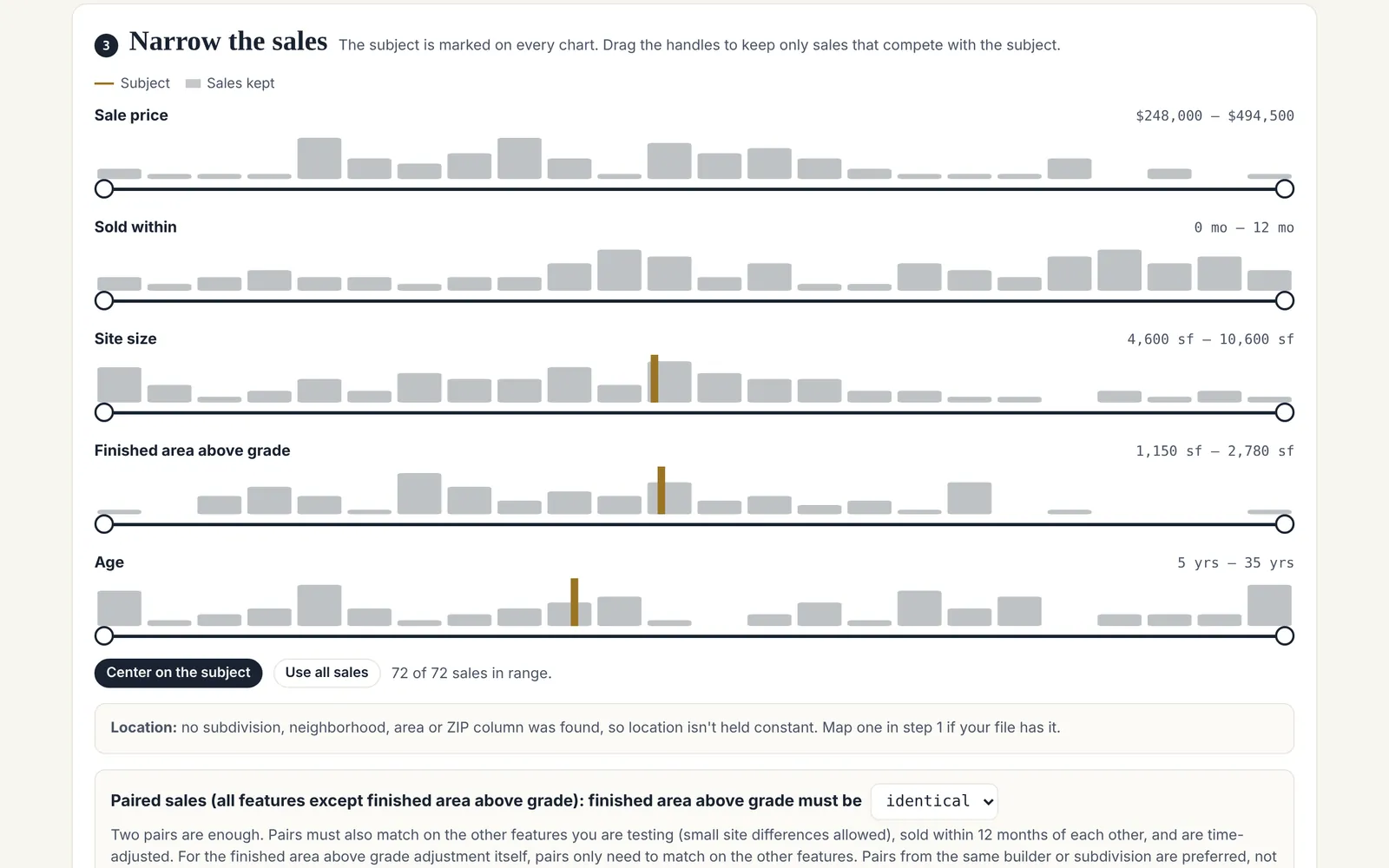
The subject is marked on every chart. Drag the handles to keep sales that compete on price, size, site and age. Narrow too far and there won't be enough sales for any method, and step 4 tells you so.
- Center on the subject or use all sales in one click
- Paired sales rules shown in plain words
- Location held constant when a neighborhood or ZIP column is found
See what the data supports, then lock it in
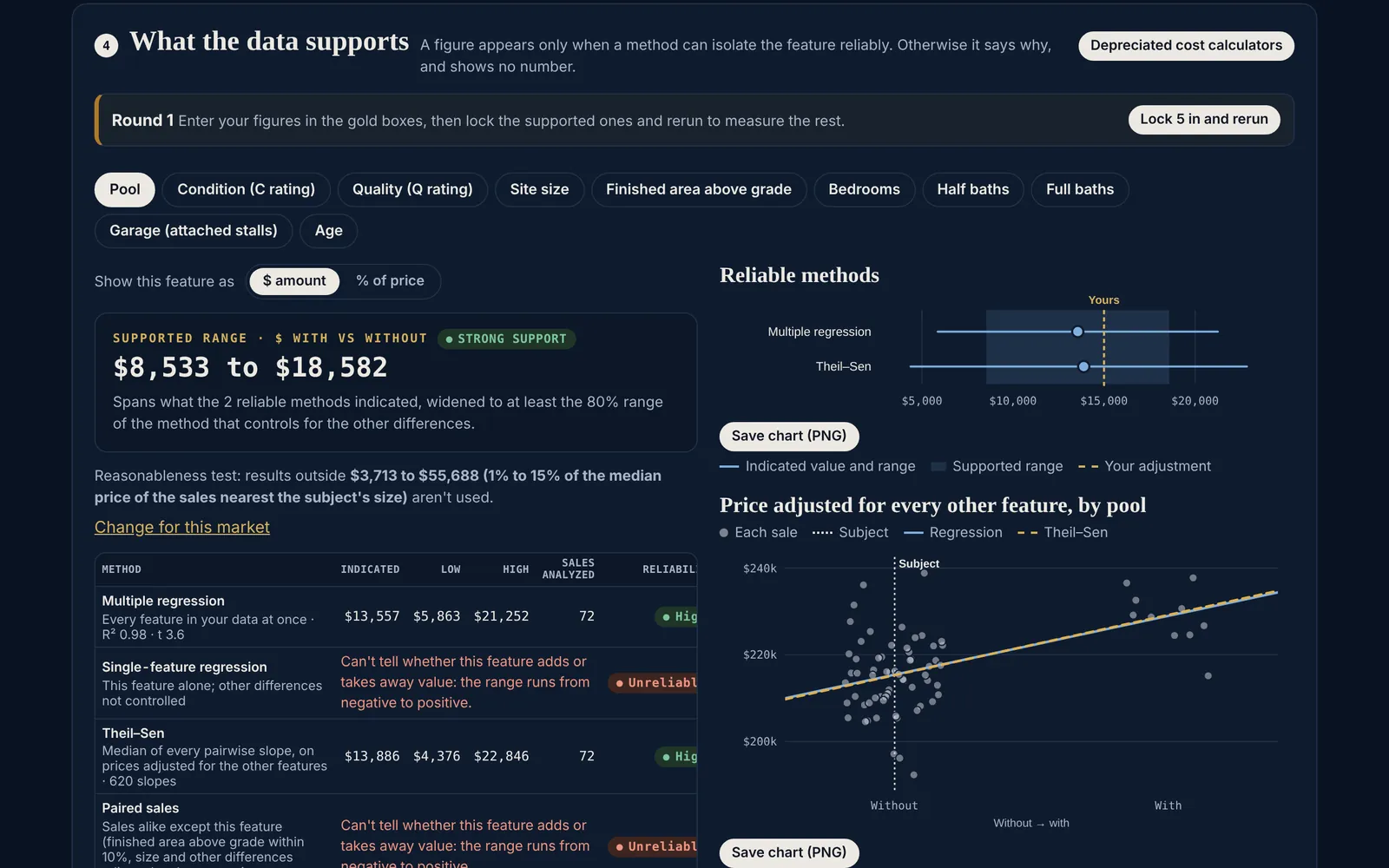
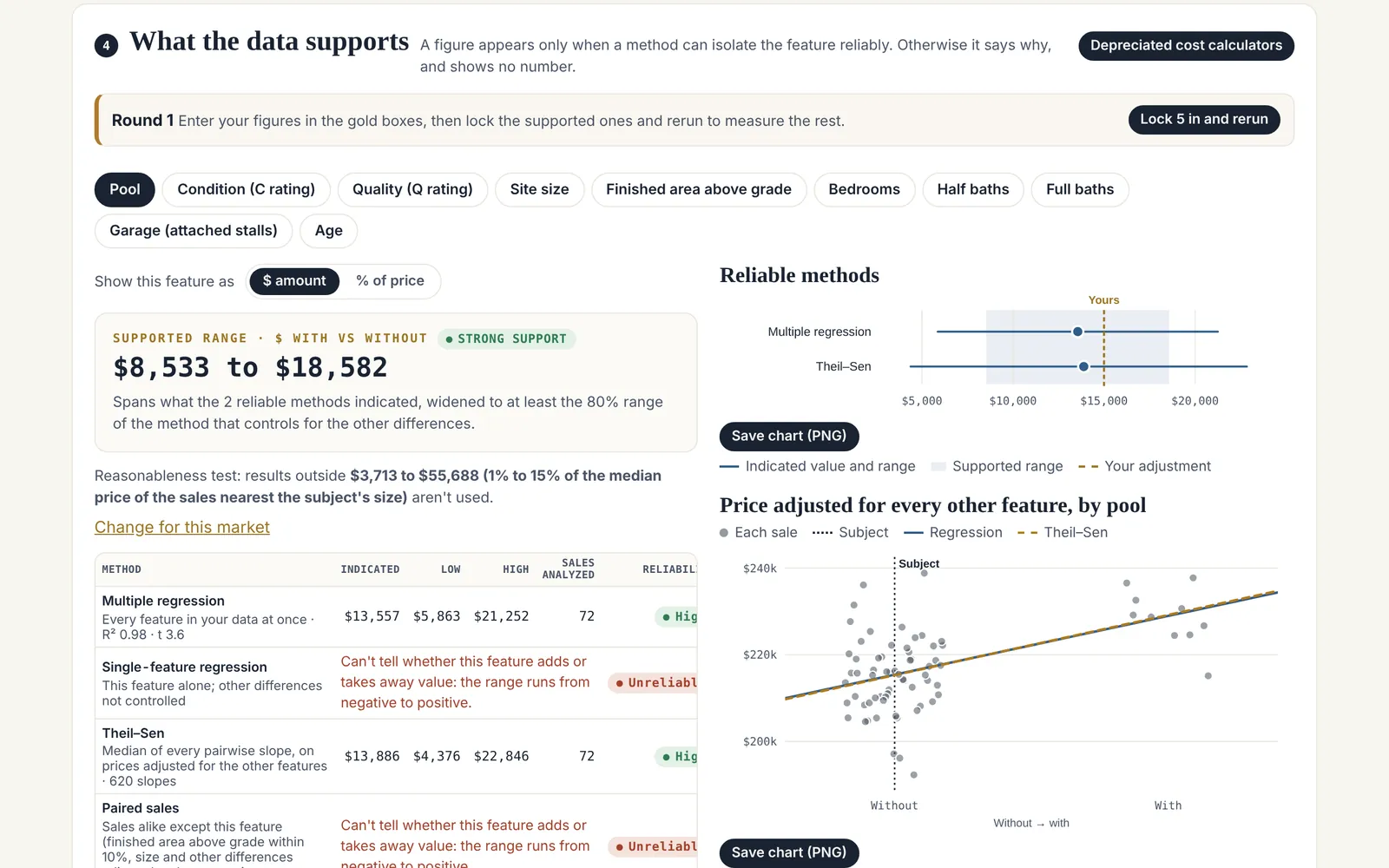
For each feature, five methods run and each result is checked against a reasonable range for your market. Type your figure in the gold box, press Lock in and rerun, and the rest are measured again with your figures held fixed. Then the addendum writes itself from your choices.
- "Insufficient data" with the reason, never a guess
- Your comparables converged inside the supported ranges
- Addendum by report section for UAD 3.6, plus a work file PDF
Support for every adjustment you make.
It measures the market. You choose the adjustments.
Osova never picks your comparables, your adjustments or your value. It shows what each method finds, how reliable it is, and why a figure is missing when the data can't isolate a feature. The addendum names the method so a reviewer can recreate it.
Straight answers.
How many sales do I need?
Ideally 30 or more from the subject's market area, similar property type, over roughly 12 to 24 months. With fewer, more features come back as insufficient data, and Osova says why.
Why is there no number for a feature?
A figure appears only when a method can isolate the feature reliably. "Insufficient data" usually means too few sales differ in that feature, or it moves together with another one. Widen the sales, add sales, or lock in what you have and rerun.
What if the market can't measure a feature at all?
Use the depreciated cost calculators for solar, fireplaces, patios, carports and RV, shops and garages. They work with or without a sales file and cite their source.
Does it use a QC?
No. Adjustment Analysis runs in your browser and doesn't use a QC. Your sales file isn't kept.
Does it work for UAD 2.6 and 3.6?
Yes. The addendum exports for either, and on a UAD 3.6 file it splits the commentary by report section.
One subscription. Your whole desk.
Adjustment analysis is one of 16 tools in every Osova license.
Your next adjustment grid, supported.
New plans and pricing arrive January 1. Request early access and we'll set you up. Your reports and work stay on your computer.