

Revision requests and ROVs, answered your way.
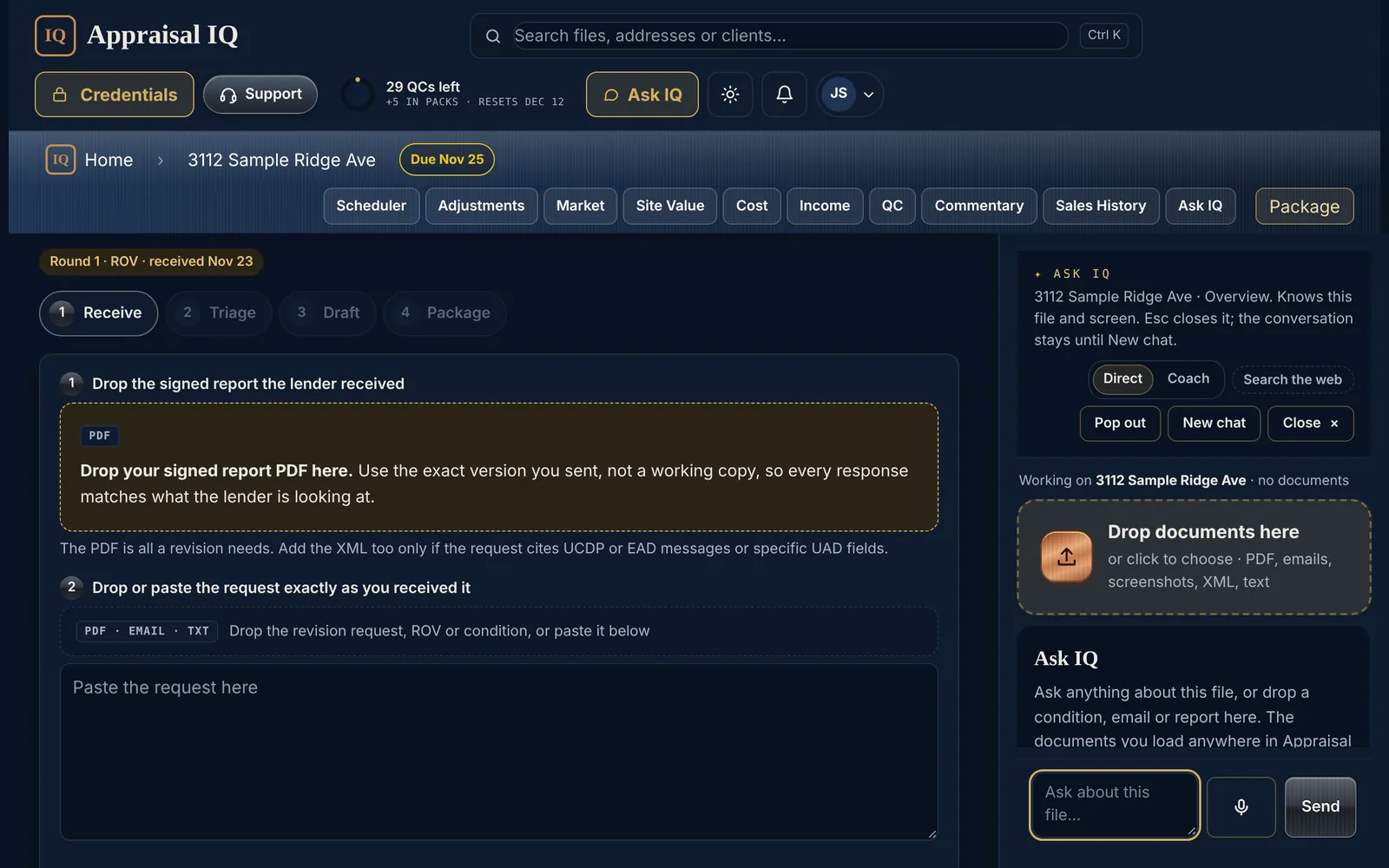
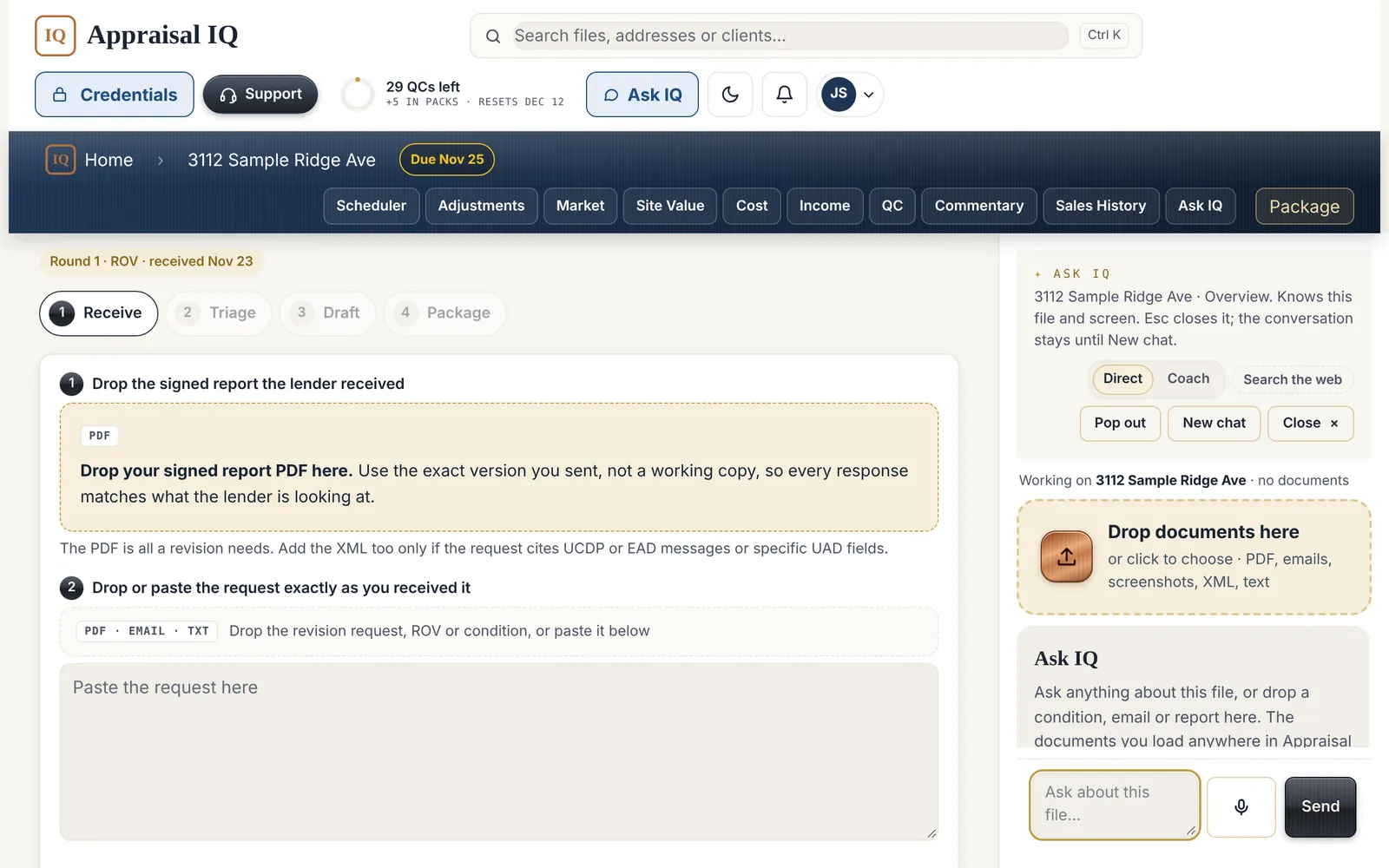
Add the signed report, then paste or drop the request. Each item is listed, checked against the report the lender actually received, then the guidelines, and answered the way you direct, as text for a supplemental addendum.
A revision request is a second job on a fee you already earned.
Underwriter conditions and ROVs need a careful, professional response, built from the exact report the lender has, and they always arrive when you're on the next file.
Which report did they get?
Answering from a working copy instead of the signed report is how a response contradicts itself.
Defensive or vague
A response that argues, or one that doesn't say what changed.
New sales, new work
A comparable added means adjustments, the map, reconciliation and maybe the value.
Add the signed report. Drop the request. Direct the answer.
The Revision Responder opens from the Revision or ROV button on the file.
Add the signed report, then the request
The response must be written from the exact version the lender received, so it's never pulled from an old QC or a cached copy. Paste or drop the request, and each item is listed separately. Add your facts and notes for each, by voice if you like.
- Revision, condition or ROV
- PDF, email, screenshot or text
- Your notes on every item
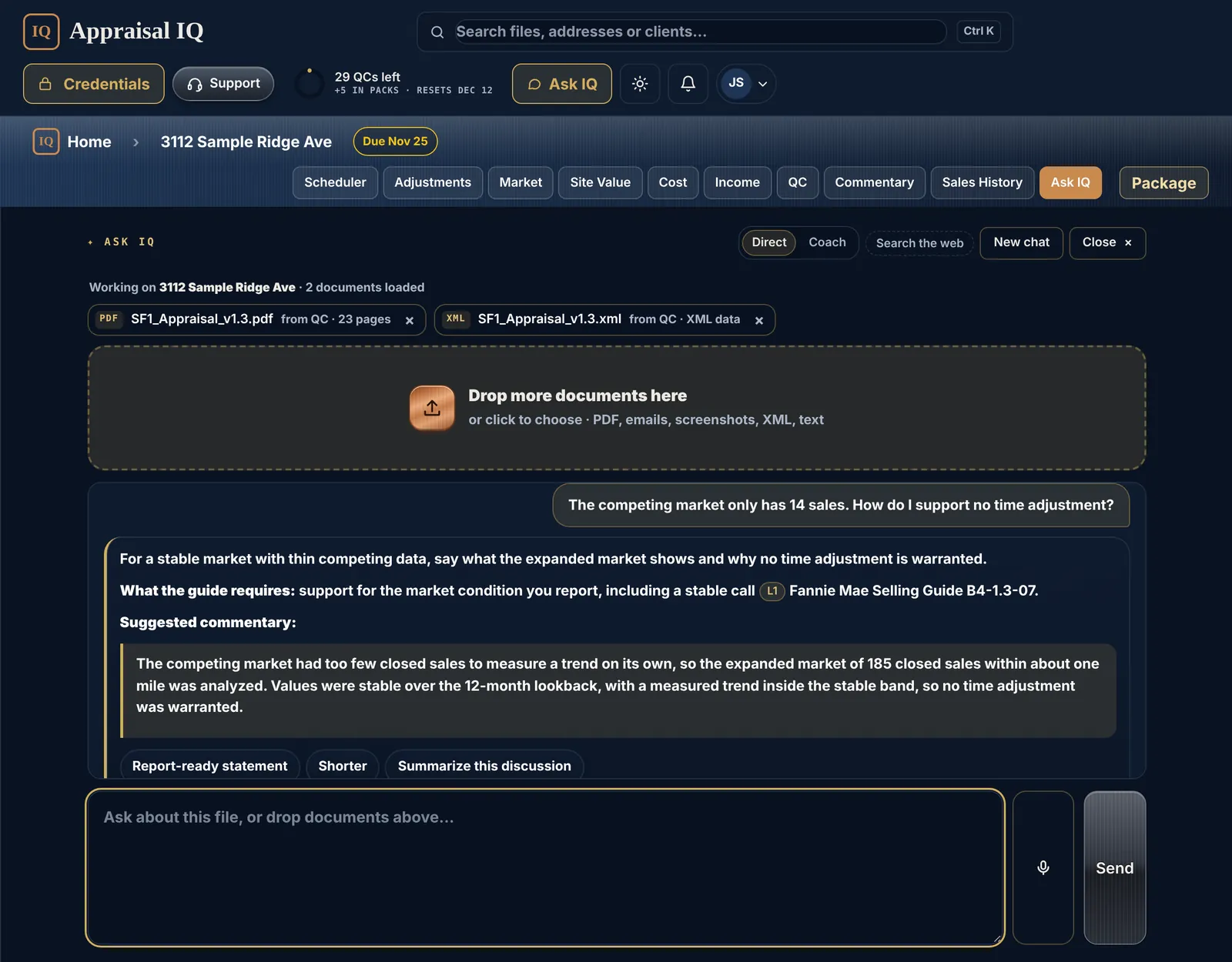
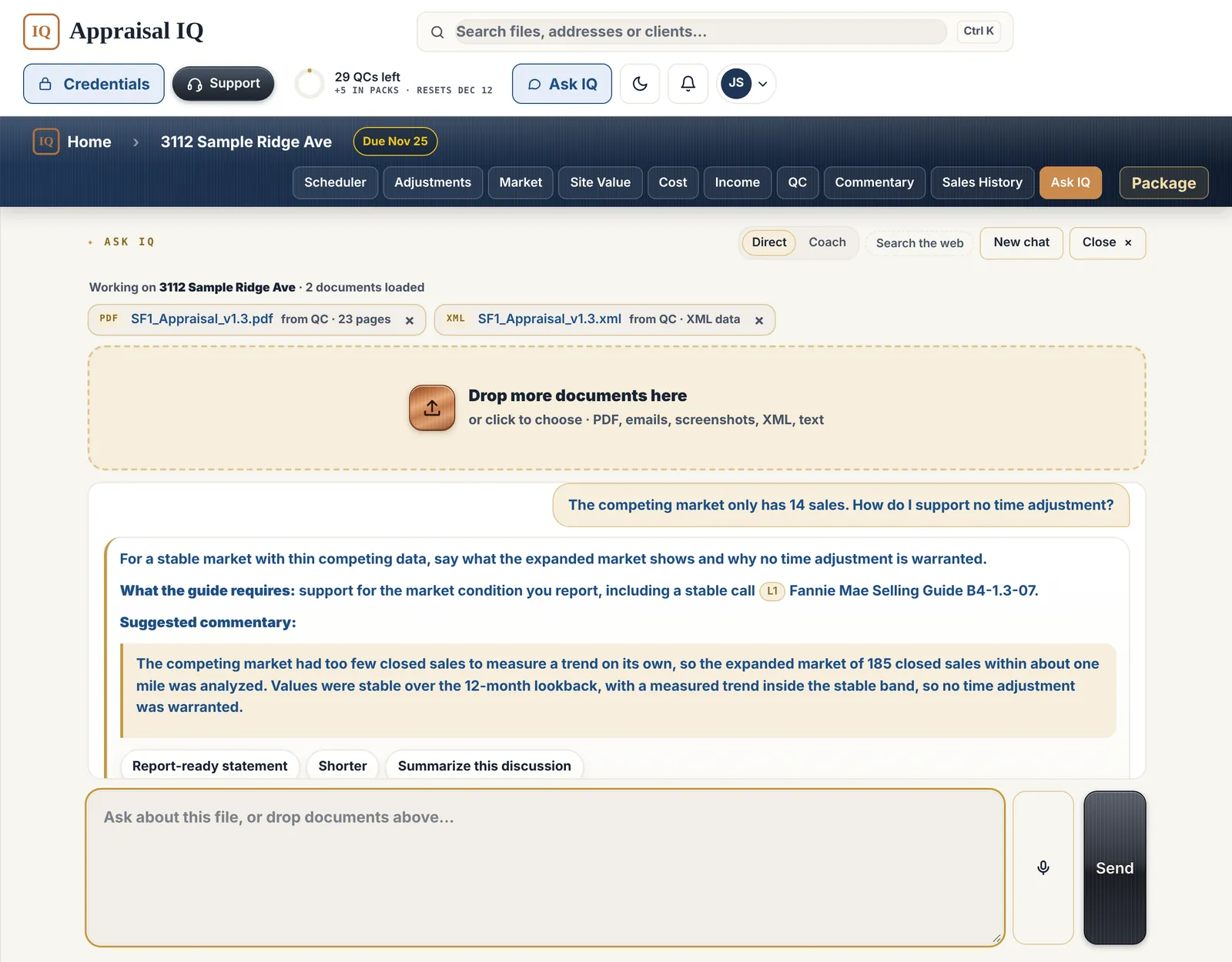
Get the response, ready for the addendum
The response is text for a supplemental addendum: today's date, a one-line statement that the items were reviewed, then each request and its response. Explanation questions get an explanation; corrections say what changed. If nothing changed, it says the information didn't warrant a change.
- No To, Re or sign-off
- Reminders of follow-on changes when a comparable is added
- Ask Osova for one-off conditions and UCDP messages
A professional response, every round.
It drafts the response. You decide what changes.
Osova answers the way you direct. It never decides to change a value or add a comparable; it reminds you what else changes if you do. The response is checked against your report and the guidelines, and the decision is yours.
Straight answers.
Does it write a letter to the lender?
No. It writes text for a supplemental addendum: the date, a statement that the items were reviewed, then each request and its response. No To, Re, sign-off or name.
What if nothing changed, like an ROV with no new sales?
The response says the information provided did not warrant a change.
Does it use a QC?
No. Revisions and ROVs don't use a QC, and a revision doesn't need a new QC.
What is "learning from revisions"?
When a revision arrives on a file that had a QC, Osova works out why QC missed it and whether a rule should be added. Only the redacted revision item is used, never addresses, values or private information. You can turn it off in your Profile.
One subscription. Your whole desk.
ROVs and revision requests is one of 16 tools in every Osova license.
Your next revision, answered in minutes.
New plans and pricing arrive January 1. Request early access and we'll set you up. Your reports and work stay on your computer.