

Your in-house tracker, built into the work.
Every file tracked from order to delivery, with its status, history and activity. Fees and collected dates from the engagement letter, invoices in one click, an outstanding-fees view, a yearly mileage log, and an export for your accountant.
The business side lives in a spreadsheet you update at night.
Fees, due dates, collected dates, invoices and mileage, kept by hand in a separate tracker that's never quite current.
Another spreadsheet
Every order typed into a tracker that's separate from the work.
Who still owes you?
Delivered files that never got marked paid, found months later.
Mileage and income at year end
Reconstructing trips and fees from calendars and bank statements.
The tracker fills itself as you work.
Because the file starts from the engagement letter, the tracker, fees and invoice are already filled in.
Every file, order to delivery
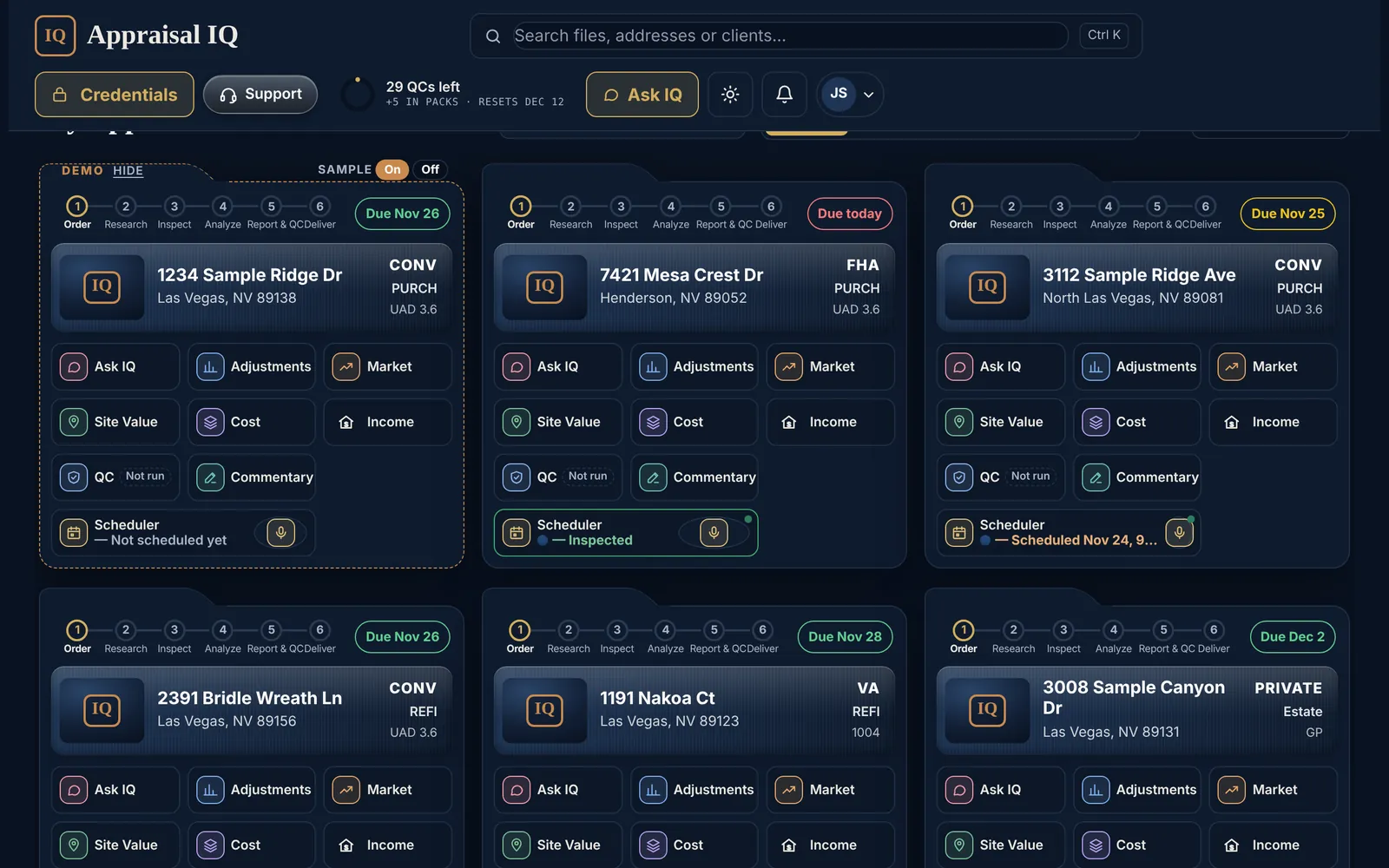
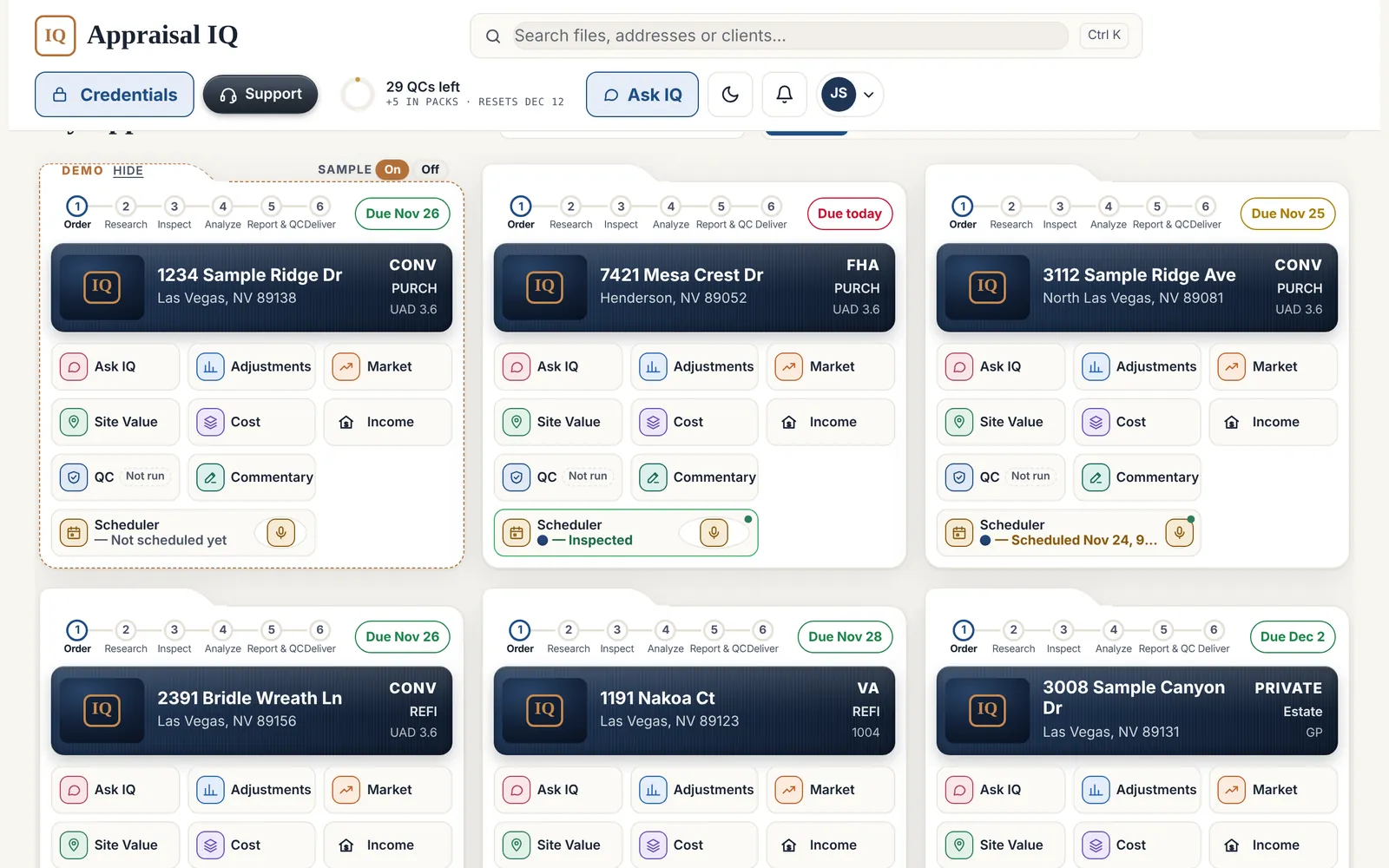
Each file shows its status steps, due date, loan type, purpose and form. The Activity shows who did what and when, in each person's color. Checking signed and delivered records the date and moves it to Completed.
- Active, Completed, Canceled and All
- Search by address, client, AMC, borrower or order number
- Workfile package PDF for your records
Fees, invoices and what's outstanding
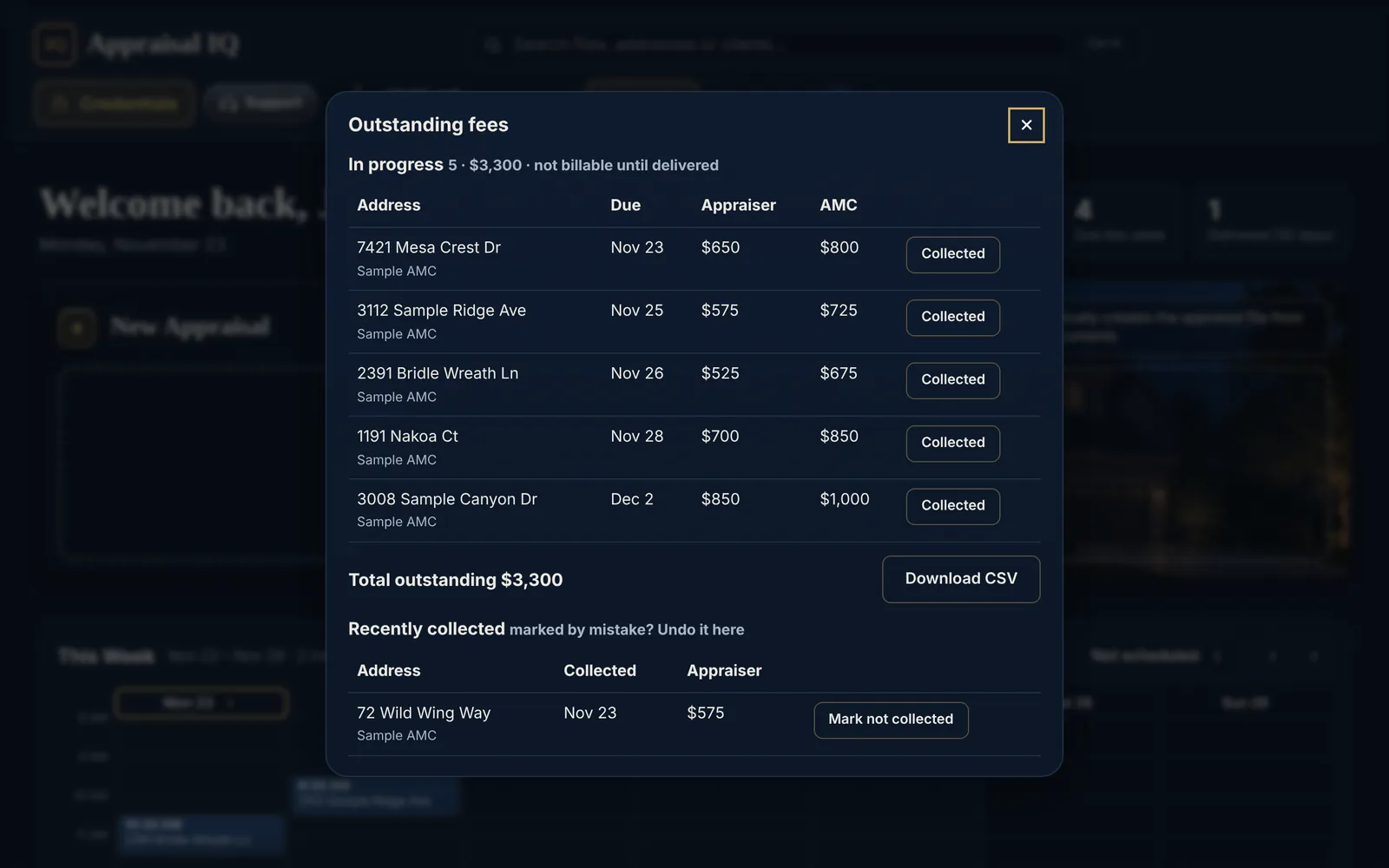
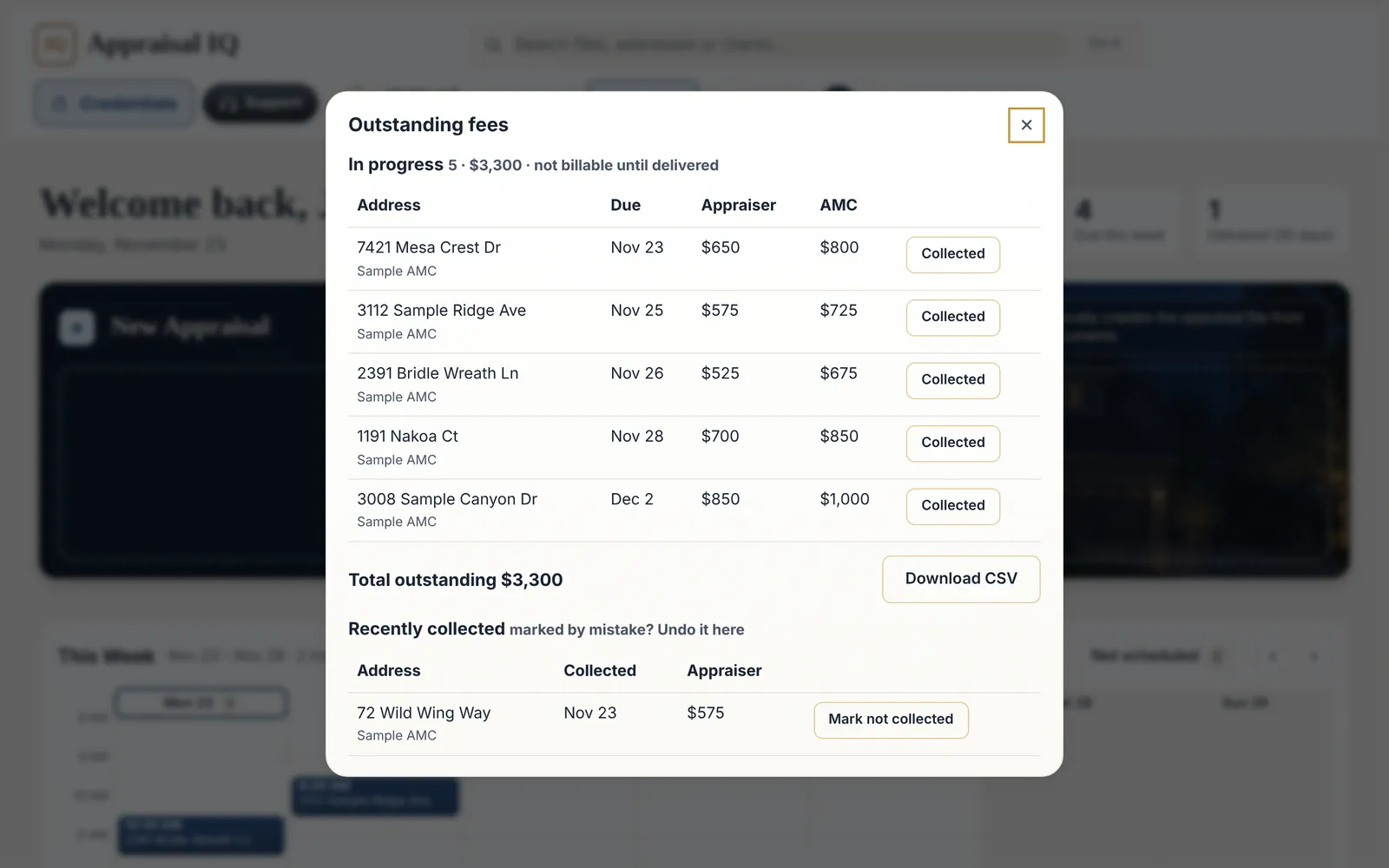
Appraiser and AMC fees come from the engagement letter. Invoice builds an invoice from your Invoice details and the order. Outstanding fees totals delivered files not yet marked collected, and Download CSV takes it with you.
- Collected today marks it paid
- Mark not collected if you were wrong
- Osova makes the invoice; it never collects payment
Your week and your miles
The week calendar shows every inspection. Mileage is recorded by inspection with Osova Mobile: office to subject, each comparable and back, in road miles, and the yearly mileage log lives in your account menu.
- Export the tracker to Excel with a By month summary
- Opens in Google Sheets too
- Credentials vault for licenses, E&O and W-9
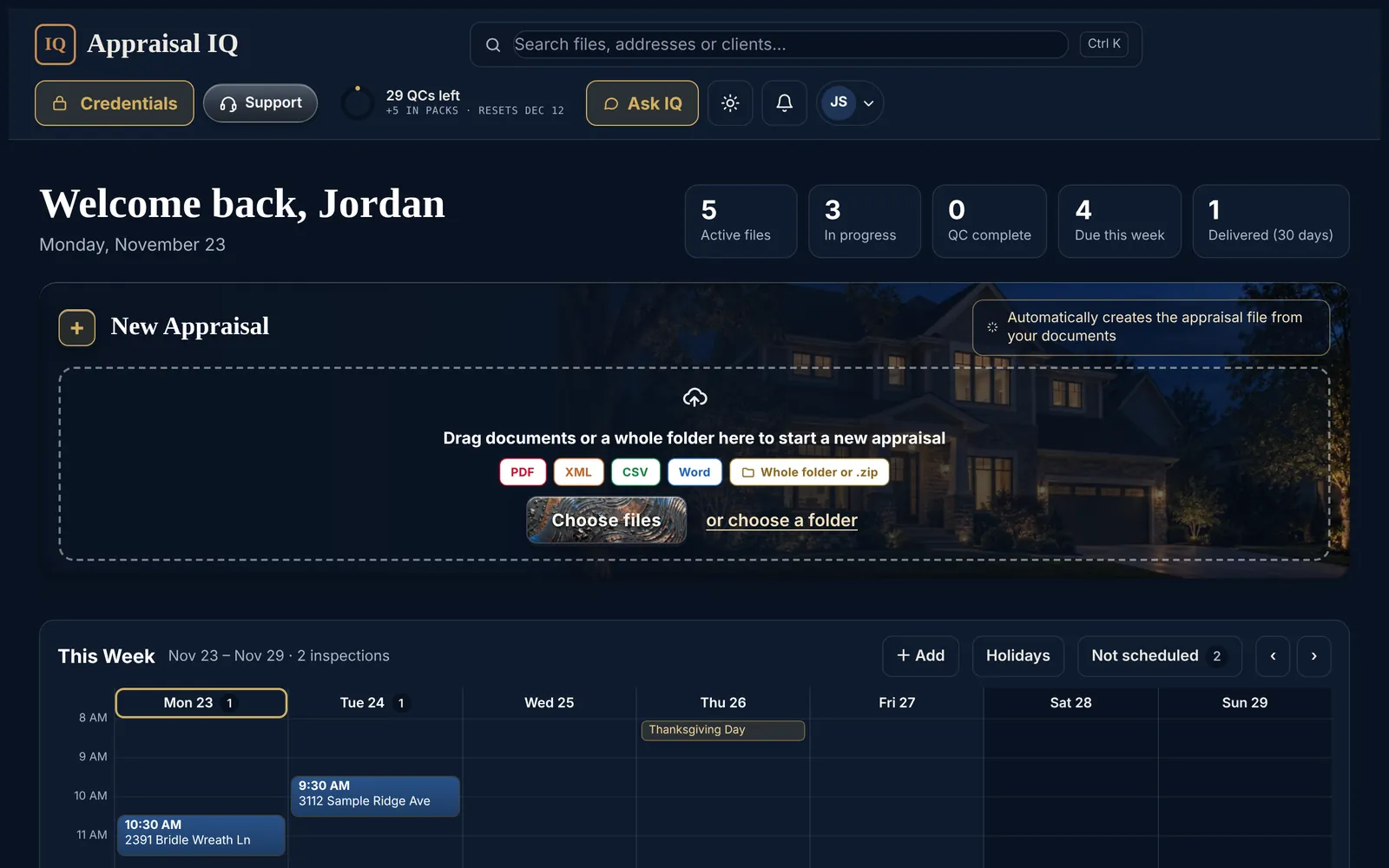
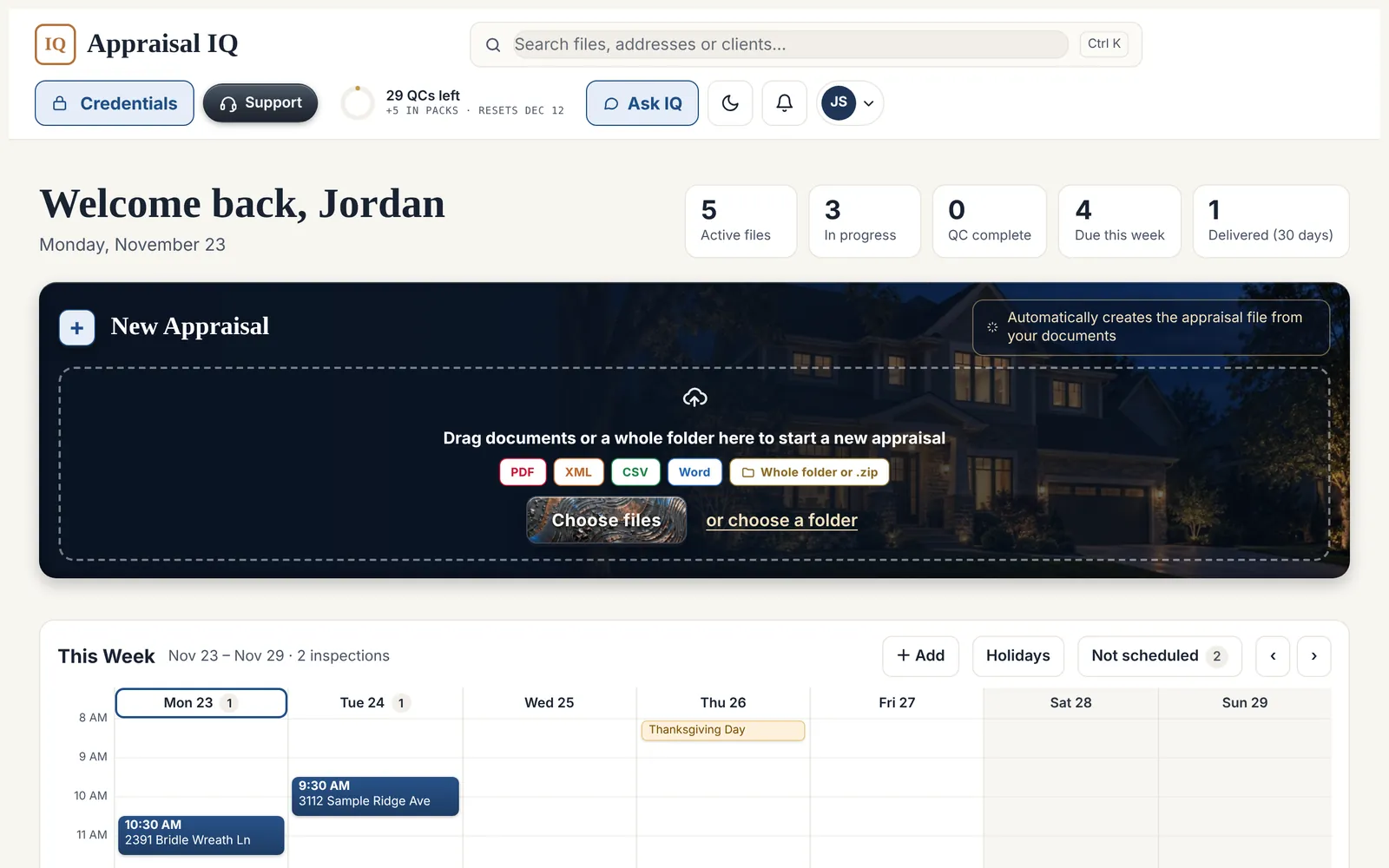
The office, without the extra spreadsheet.
It keeps the records. They stay yours.
The workfile package bundles each file for USPAP record keeping and saves to your computer; Osova keeps no copy of it. We keep only your tracker and QC history, plus anything you choose to share with your team or put in your vault.
Straight answers.
Does Osova collect payments?
No. It builds the invoice and tracks collected dates. Payment is between you and your client.
Can I export my tracker?
Yes. Export to Excel with a By month summary; it opens in Google Sheets too. Tracker cards are kept one year from the day the file started, and you're told before a month drops off, with an export button.
How does mileage work?
Osova Mobile records each inspection's legs (office to subject, subject to each comparable, and back) in road miles, and the yearly mileage log is in your account menu.
What do you keep?
Only your tracker (address, dates, status, fees) and QC history, plus anything you choose to share with your team or put in your vault. Your reports and work stay on your computer.
One subscription. Your whole desk.
Files, history, invoices and mileage is one of 16 tools in every Osova license.
Run the office from the same place you appraise.
New plans and pricing arrive January 1. Request early access and we'll set you up. Your reports and work stay on your computer.