

Fix it, re-check it, watch the score climb.
Mark each finding Fixed or Ignore, drop the revised PDF and XML, and Osova compares the new version with the last round. One re-check is included on every file.
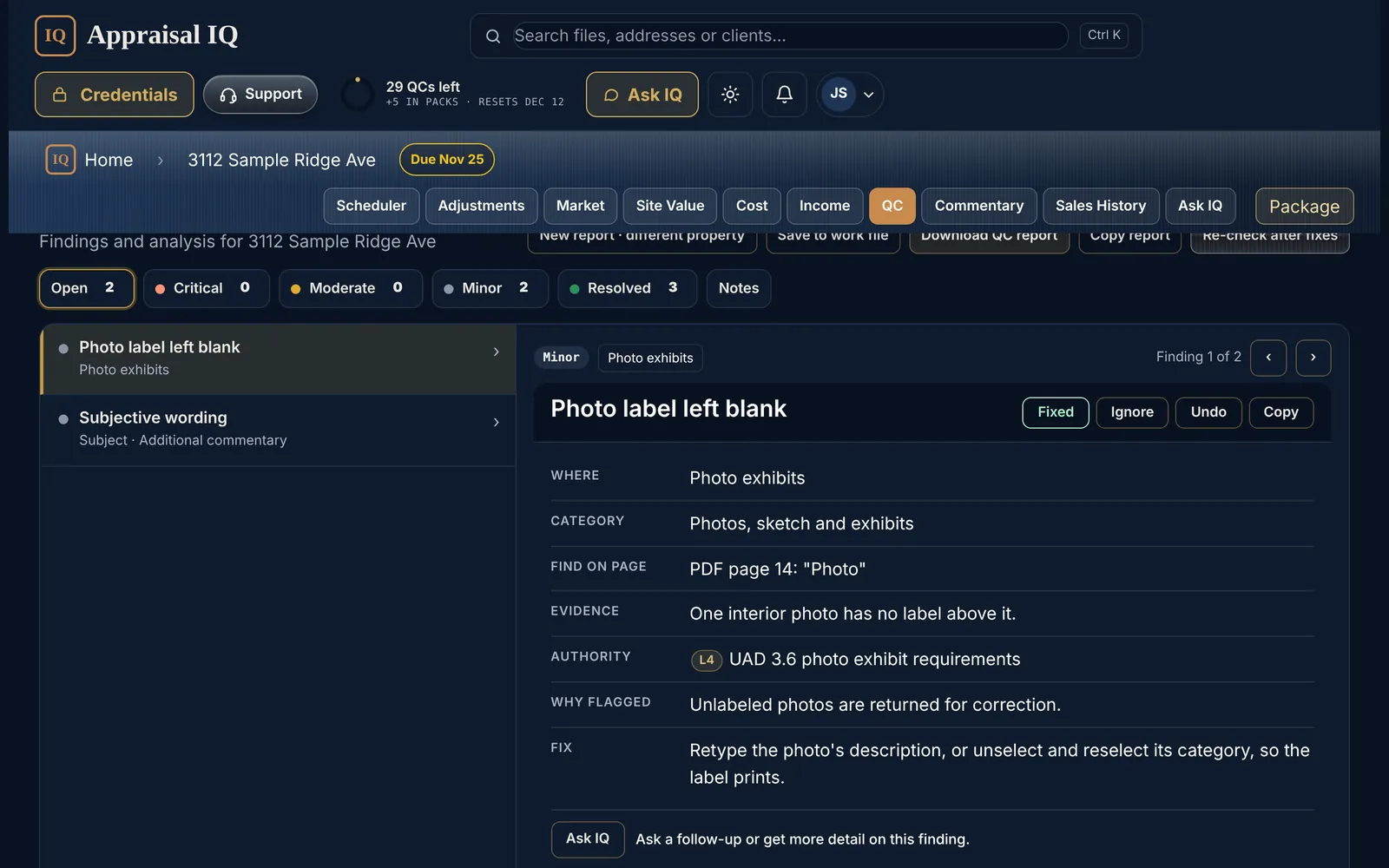
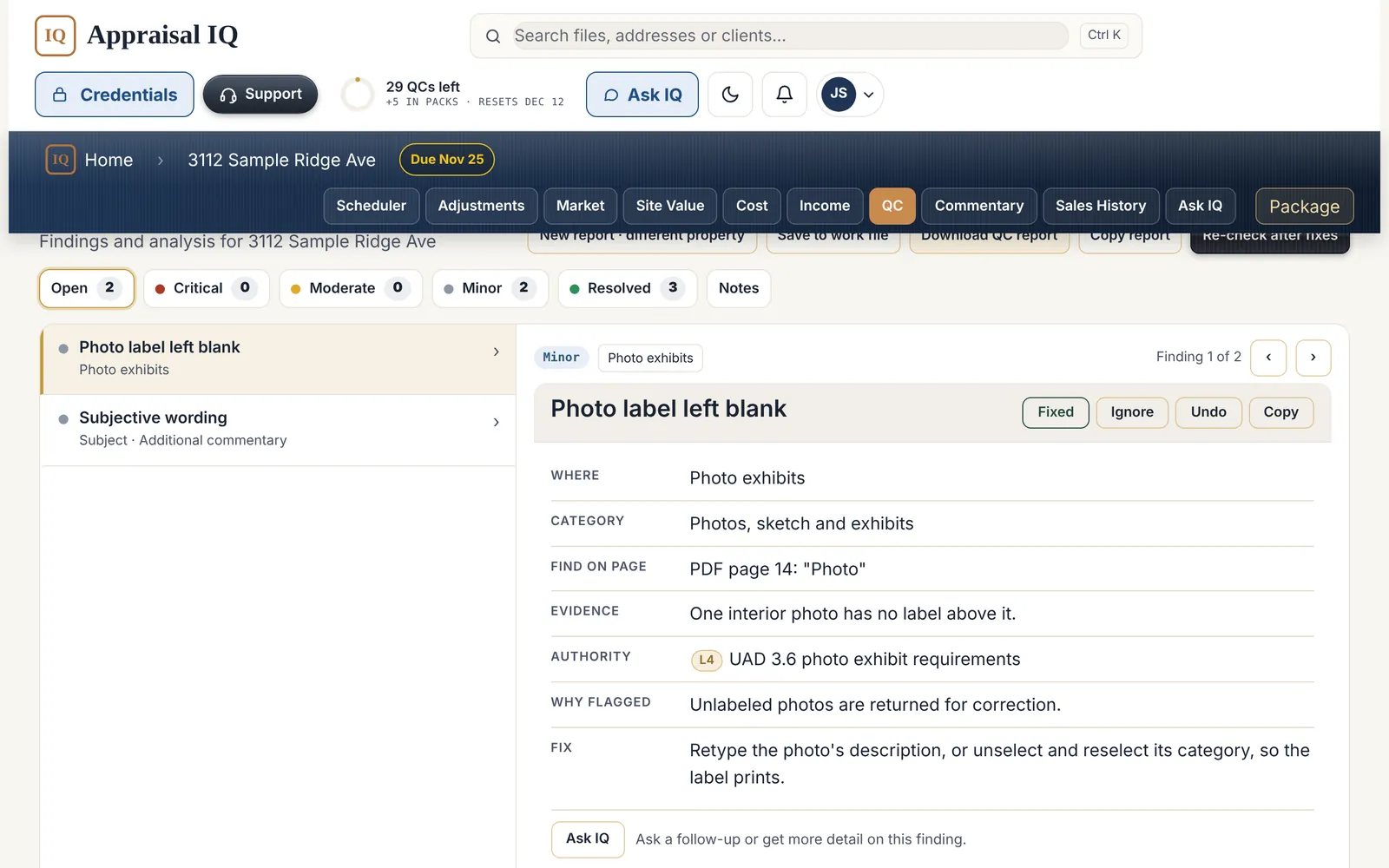
Fixing is only half of it. You need to know it's fixed.
Changing one comment can break another. A re-export can drop a field. Without a second look, the fix you made can be the next revision.
Did that really fix it?
The comment changed, but does the XML say the same thing?
One fix, one new issue
Editing the grid can leave the reconciliation behind.
Paying twice for the same file
A second full review shouldn't cost a second review.
Mark what you fixed. Drop the revision. See the change.
The re-check compares the new version with the last round on the same file.
Mark each finding
Fixed, Ignore or Undo on every finding. Ignore is for something that doesn't apply. Your marks are saved with the file and kept on every re-check.
- Open and resolved counts at the top
- Notes on any finding
- Who marked it and when, on the file
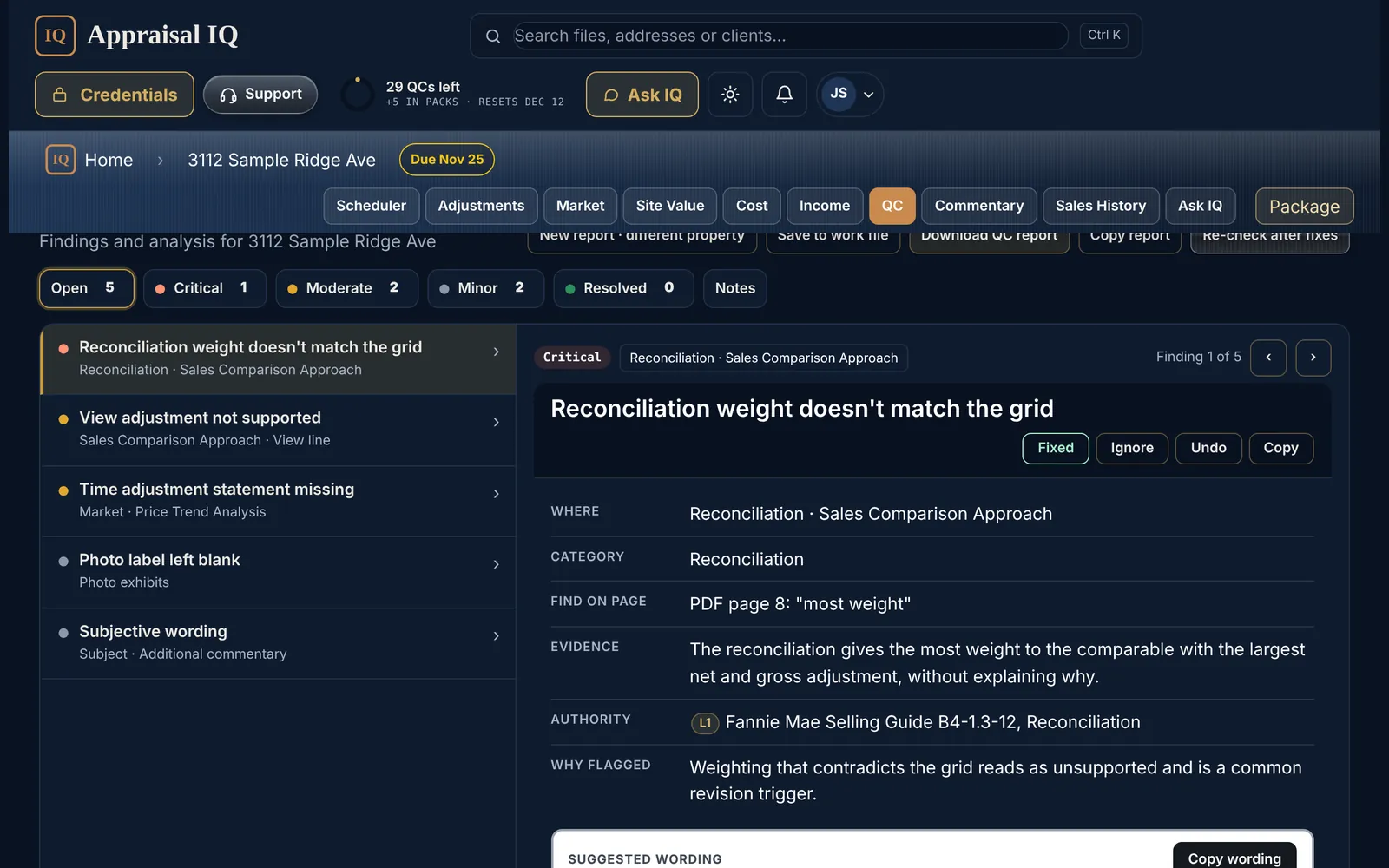
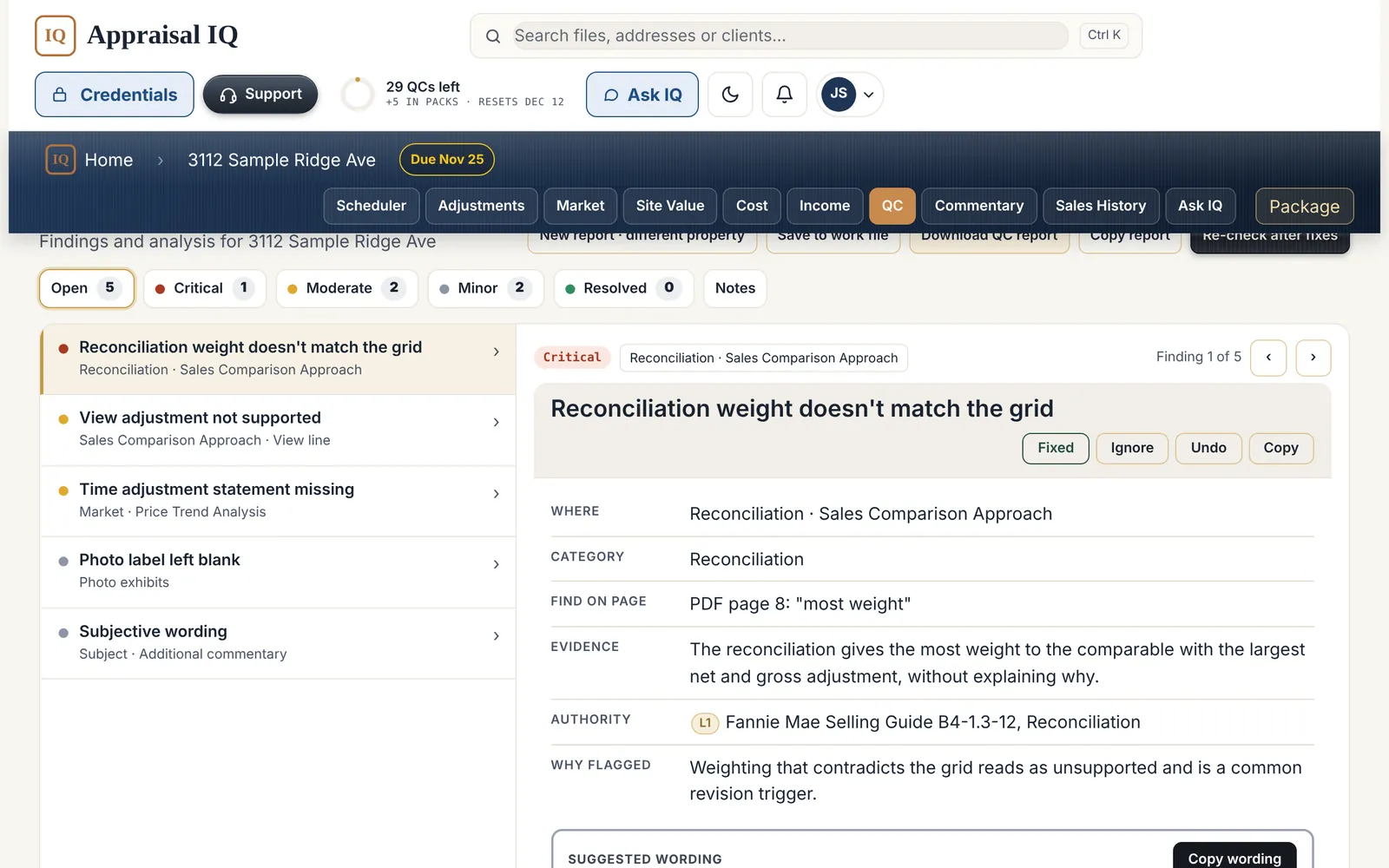
Drop the revised report
Press Re-check after fixes and drop the revised PDF and XML. Osova compares them with the last round and shows what's fixed, what's still open and the new score.
- Runs on the same file, never starts a new one
- The included re-check is marked before it runs
- Each run shows its score and what it started at
A second look, included.
It confirms the change. You decide it's done.
The re-check shows what changed between versions. Marking a finding Fixed or Ignore is your call, and every run and mark stays on the file's record.
Straight answers.
Is the re-check really included?
Yes. Every license includes one re-check per file. It re-tests what the first QC flagged after you fix it, at no charge. Further re-checks use a QC.
Will the score go down if I ignore something?
No. Items you mark Fixed or Ignore stay that way on every re-check, so the score never drops for something you already handled.
Can I come back to it later?
Yes. The full run is kept with the file on your computer. Open QC on the file and press Open and keep fixing.
Do trainees get re-checks?
Yes. Each trainee seat includes 10 coaching QCs a month plus one re-check per file.
One subscription. Your whole desk.
Included re-check is one of 16 tools in every Osova license.
Fix it once. Know it's fixed.
New plans and pricing arrive January 1. Request early access and we'll set you up. Your reports and work stay on your computer.