One file, the whole team.
Appraisers, trainees, assistants and inspectors work the same file, each in their own role. Files are shared with the team, every action is stamped with who did it, trainees learn from coaching QCs and an experience log that writes itself, and the supervisor sees every fix and signs off.
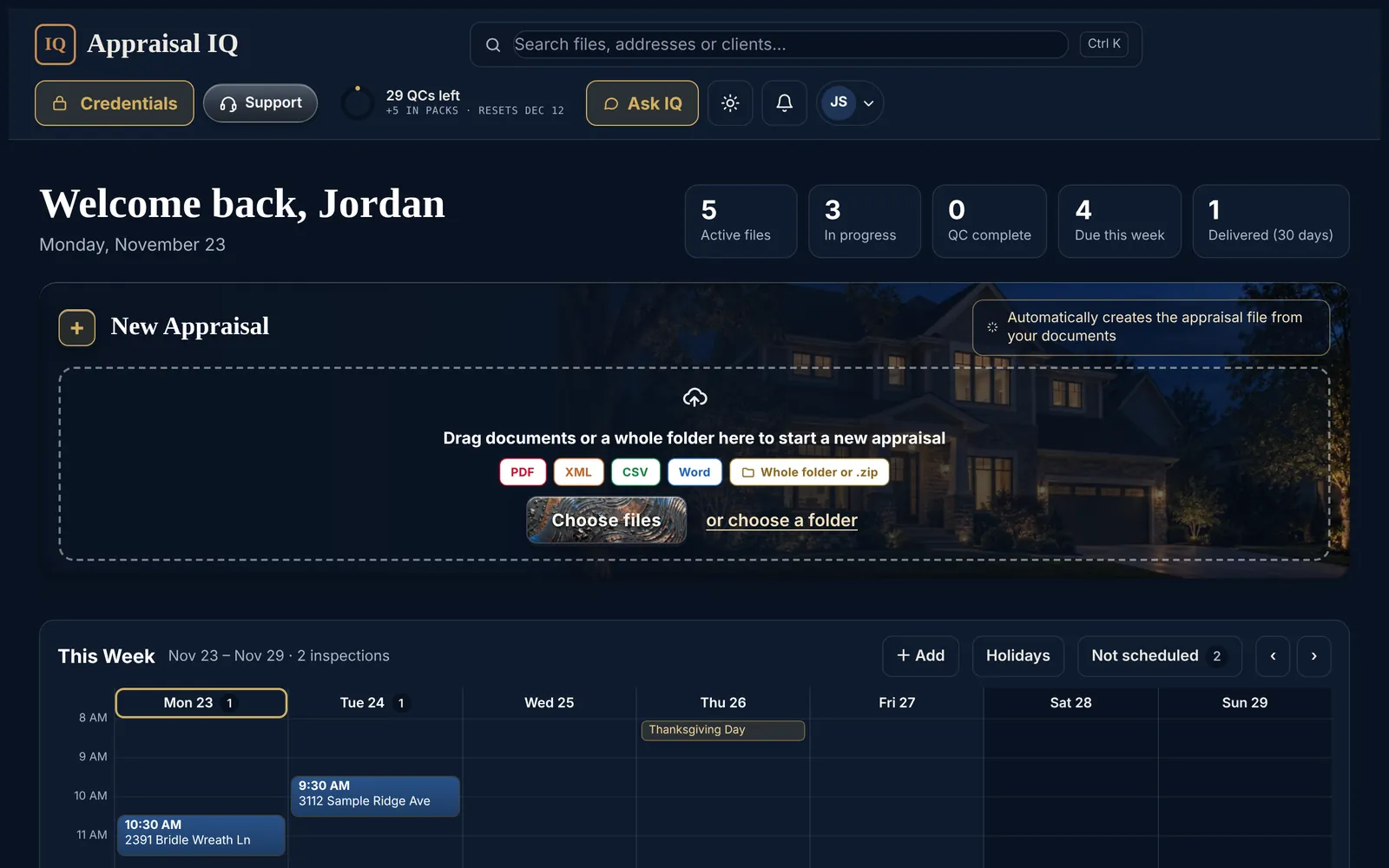
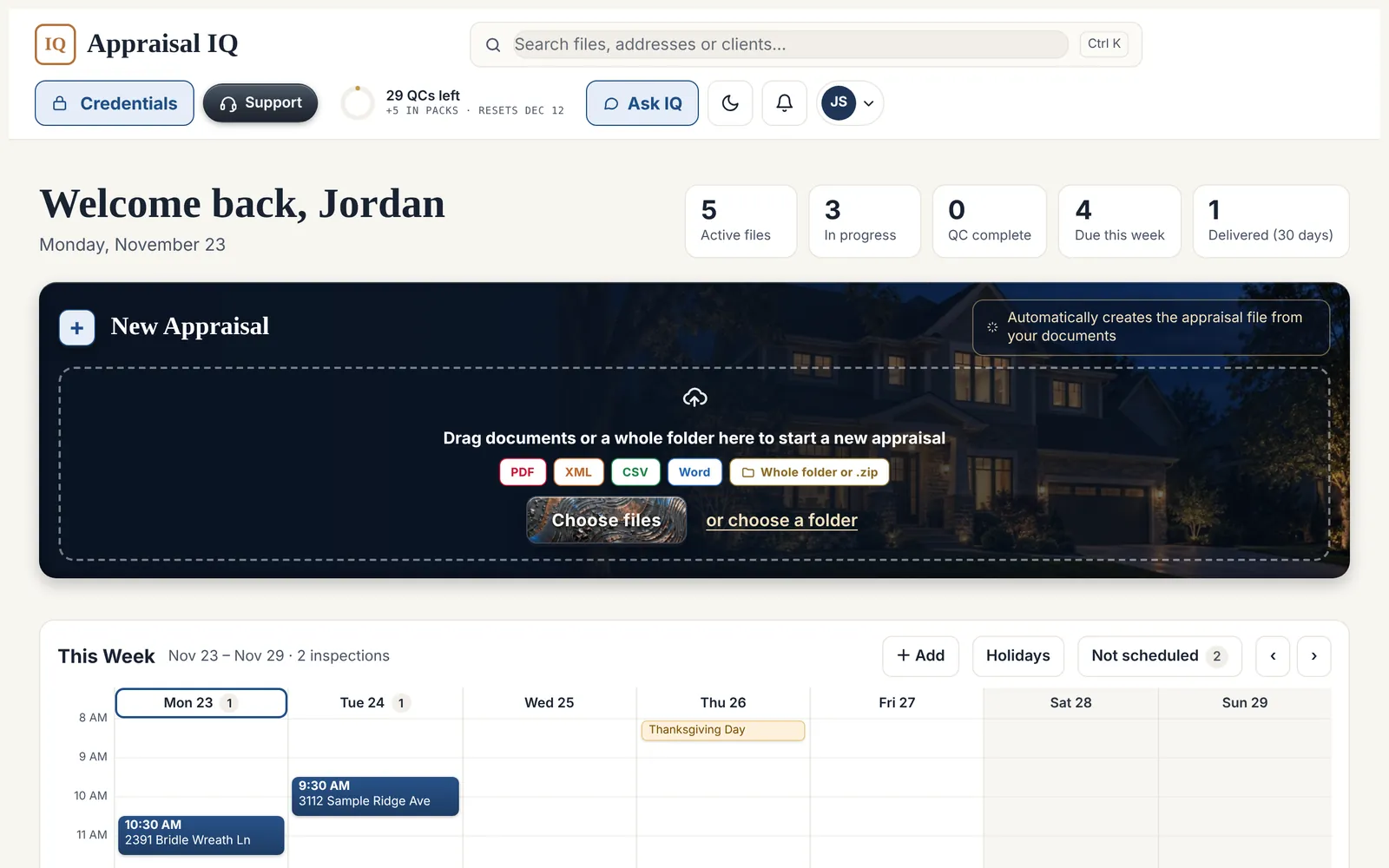

 screens, shown with sample data.
The office runs on texts and shared folders.
A trainee's draft in one folder, the assistant's schedule in another, and the supervisor finding out what changed by reading the whole report again.
Who has the file?
Two people working the same report from two copies, and one set of changes lost.
Reviewing from scratch
The supervisor re-reads every page because there's no record of what was fixed.
The log nobody keeps
Trainee experience hours rebuilt from memory when the state asks for them.
solves itBuilt for how an appraisal office actually works.
Each person signs in as themselves and works the same file in their own role.
Shared files, two people at once
Share every file with your team or one file at a time. Two people can be in the same file at once; a bar shows who else is there and where, photos and changes from both are kept, and the later edit wins with the earlier kept as a restore point. Assistants pick their name under Working as, so every booking and change is stamped.
- Week calendar color-coded by person
- In the field now: who's at which house
- Inspector role: inspect without opening the documents
Trainees, coaching and sign-off
Trainee seats come with coaching QCs that teach the rule behind every finding and rescore as the trainee fixes. The supervisor sees every fix and every ignore, reviews and signs, and the experience log fills itself from the work with the hours to approve.
- Coaching QCs that explain the why
- Supervisor review and signature step
- Experience log in your state's format
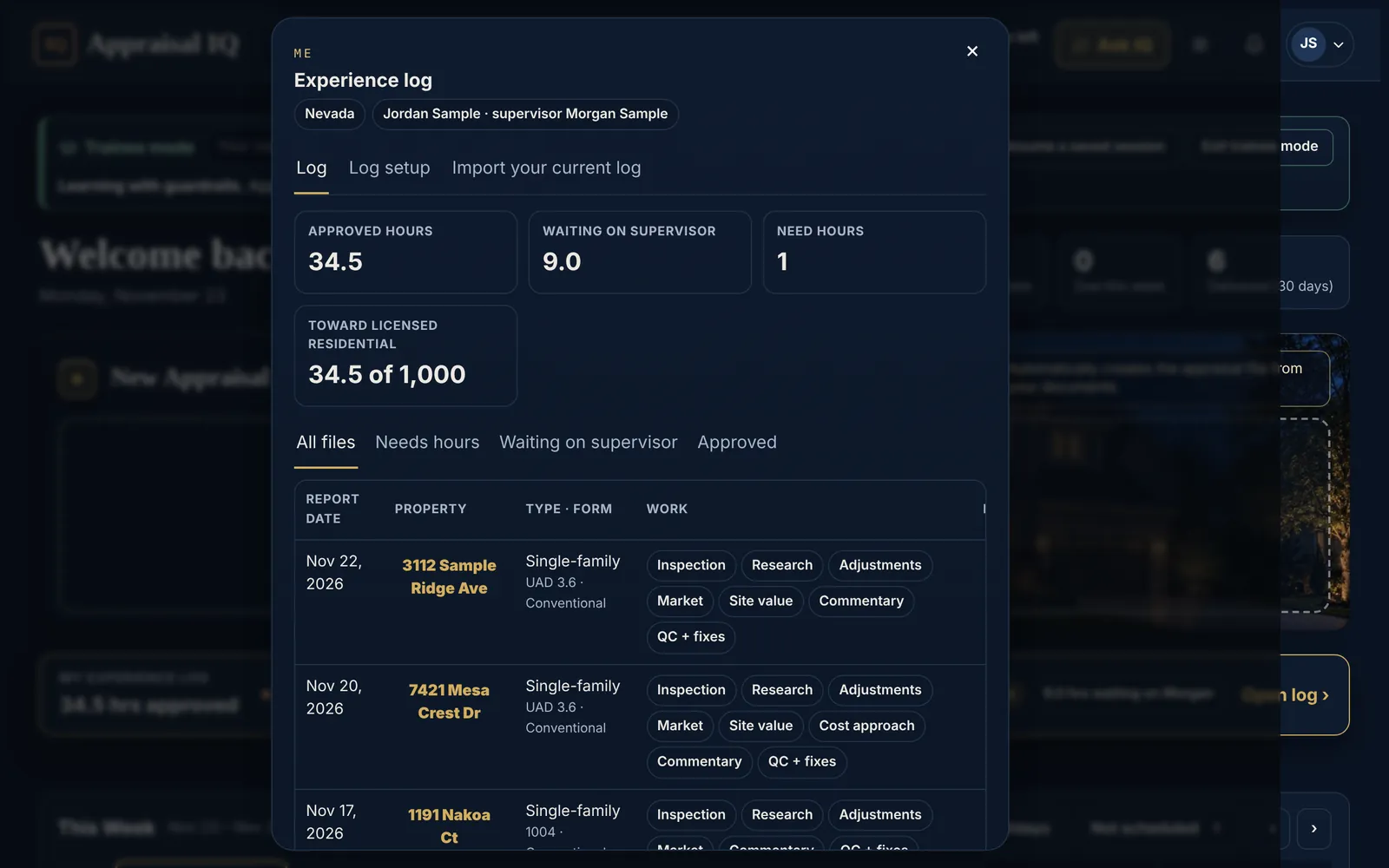
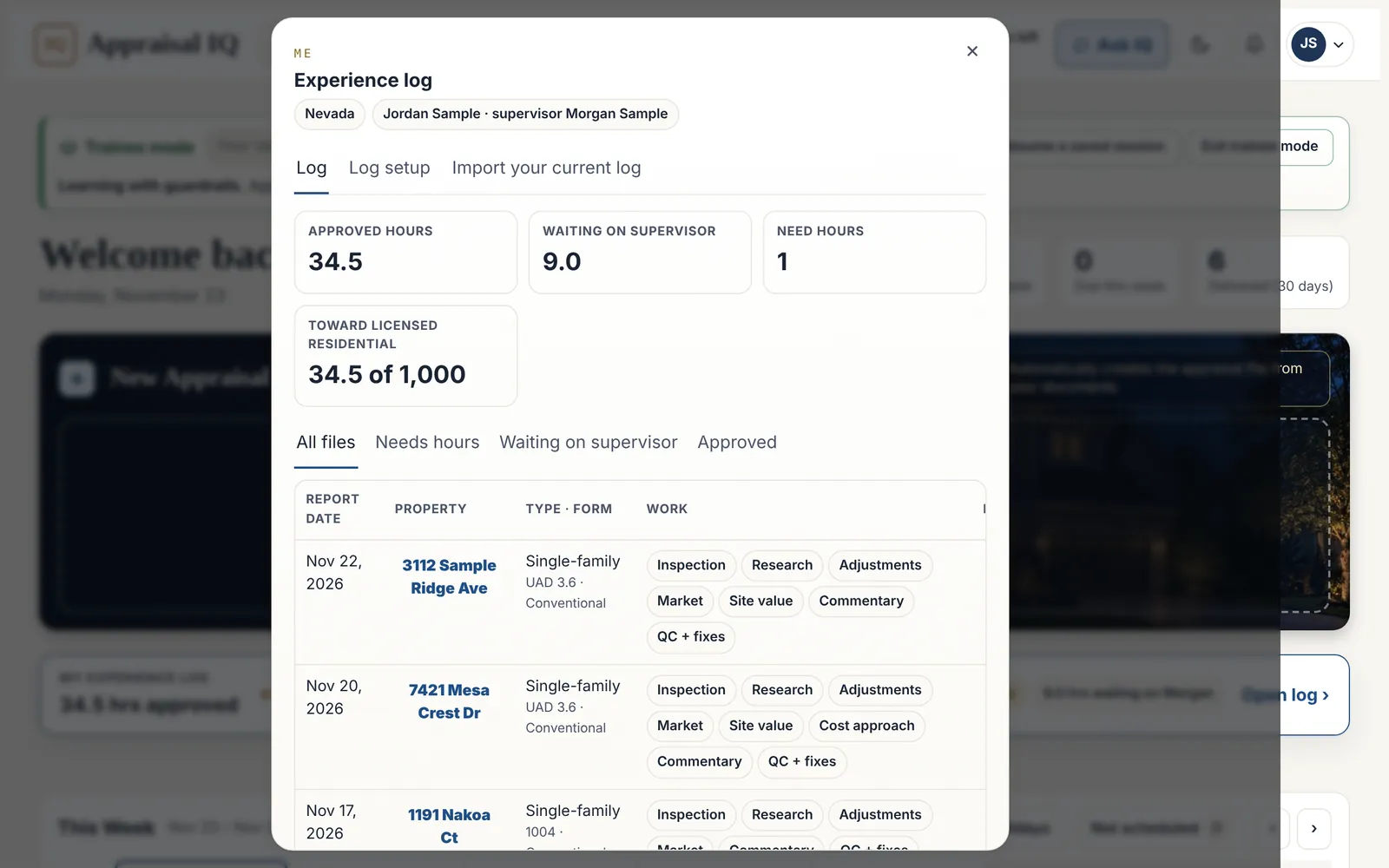
Everything a team needs.
Everyone's work, signed by the right person.
Every action in a shared file is stamped with who did it. Trainees' reports carry the supervisor's review and signature step, and each appraiser signs only their own work.
Straight answers.
Is there a team or firm plan?
Team and firm plans arrive with the new pricing on January 1. Until then, request access and tell us about your office, or email support@osova.ai about several appraisers on one bill.
How do trainee seats work?
A supervisor adds trainee seats. Each trainee gets coaching QCs, an experience log and the supervisor's review and signature step, and the supervisor sees every fix and ignore.
Can an assistant schedule and track files?
Yes. Assistants pick their name under Working as, so every booking, cancellation and change is stamped with who did it.
Can someone only do inspections?
Yes. Name them as the Inspector on a file. They see the appointment, photo list, sketch and comps on their phone, not the file's documents, values or commentary.
Run the whole office from one file.
New plans and pricing arrive January 1. Request early access and we'll set you up. Your reports and work stay on your computer.