Your work file, in one dated PDF.
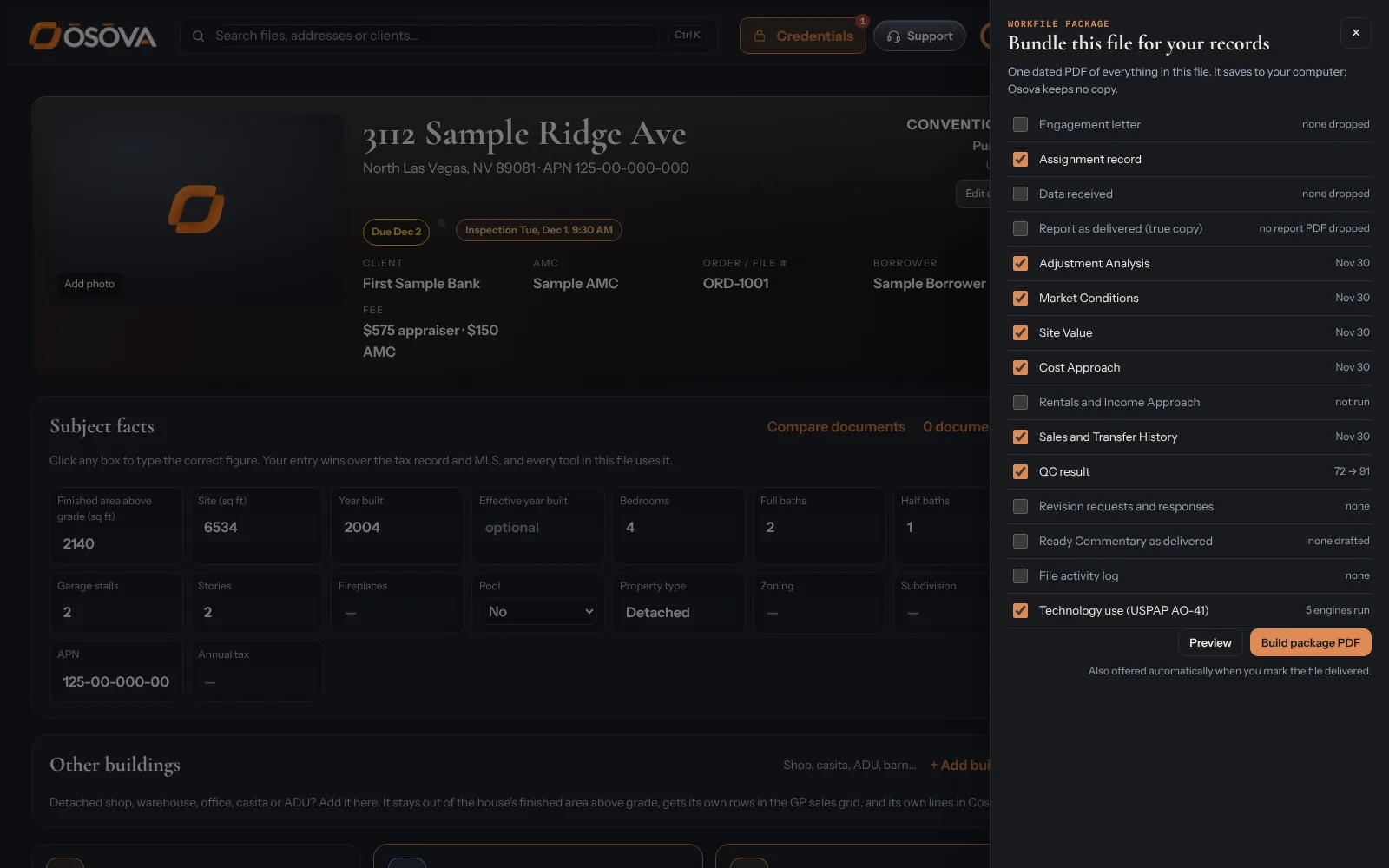
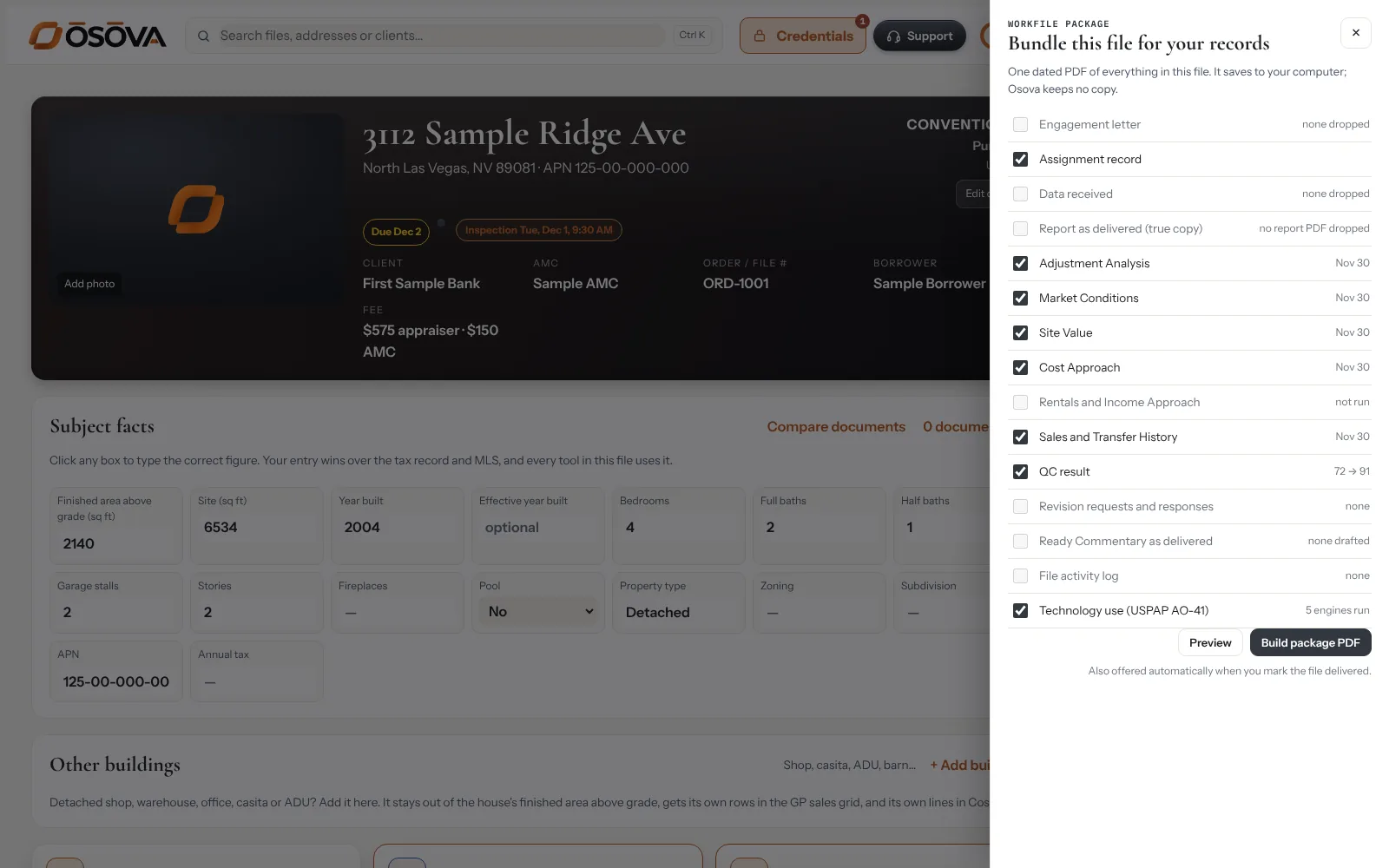
The engagement letter, the data you received, the report as delivered, every engine report, the QC history, revision requests and responses, the commentary as delivered and the file's activity log, with a factual AO-41 statement of how the software was used. One PDF, saved to your computer.

 screens, shown with sample data. keeps no copy
The work file is the part nobody has time for.
USPAP's record keeping rule asks for the data and analysis behind the report, and it's usually scattered across downloads, email and three programs.
Five folders, three programs
The engagement letter in email, the MLS export in downloads, the analysis in another program.
What did I actually run?
Months later, a review asks how the adjustments were supported and when.
How was the software used?
AO-41 expects you to be able to explain how technology was used on the assignment.
solves itCheck what goes in. Build the PDF.
Every part comes from the file itself, so there's nothing to collect.
Everything in the file, listed
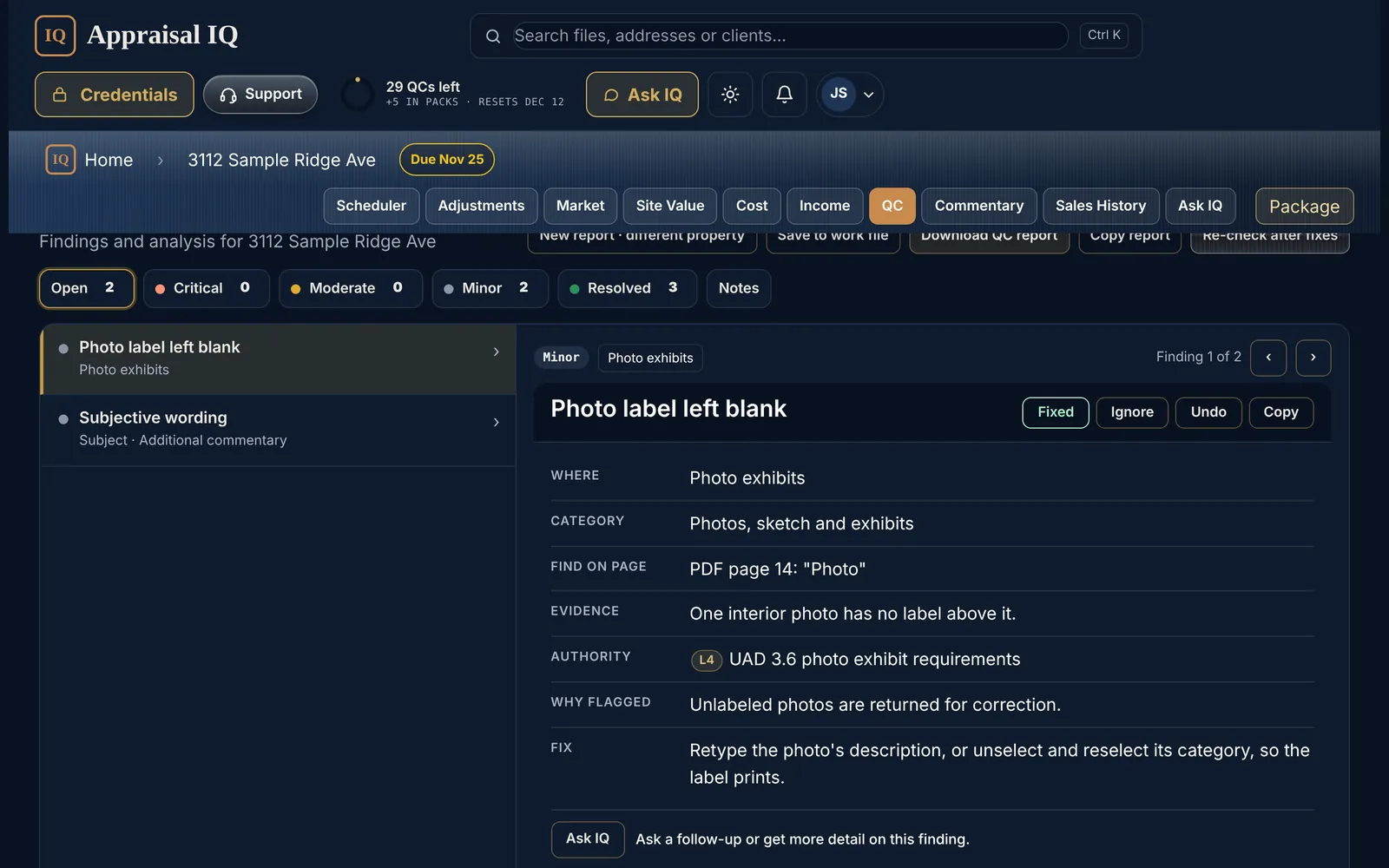
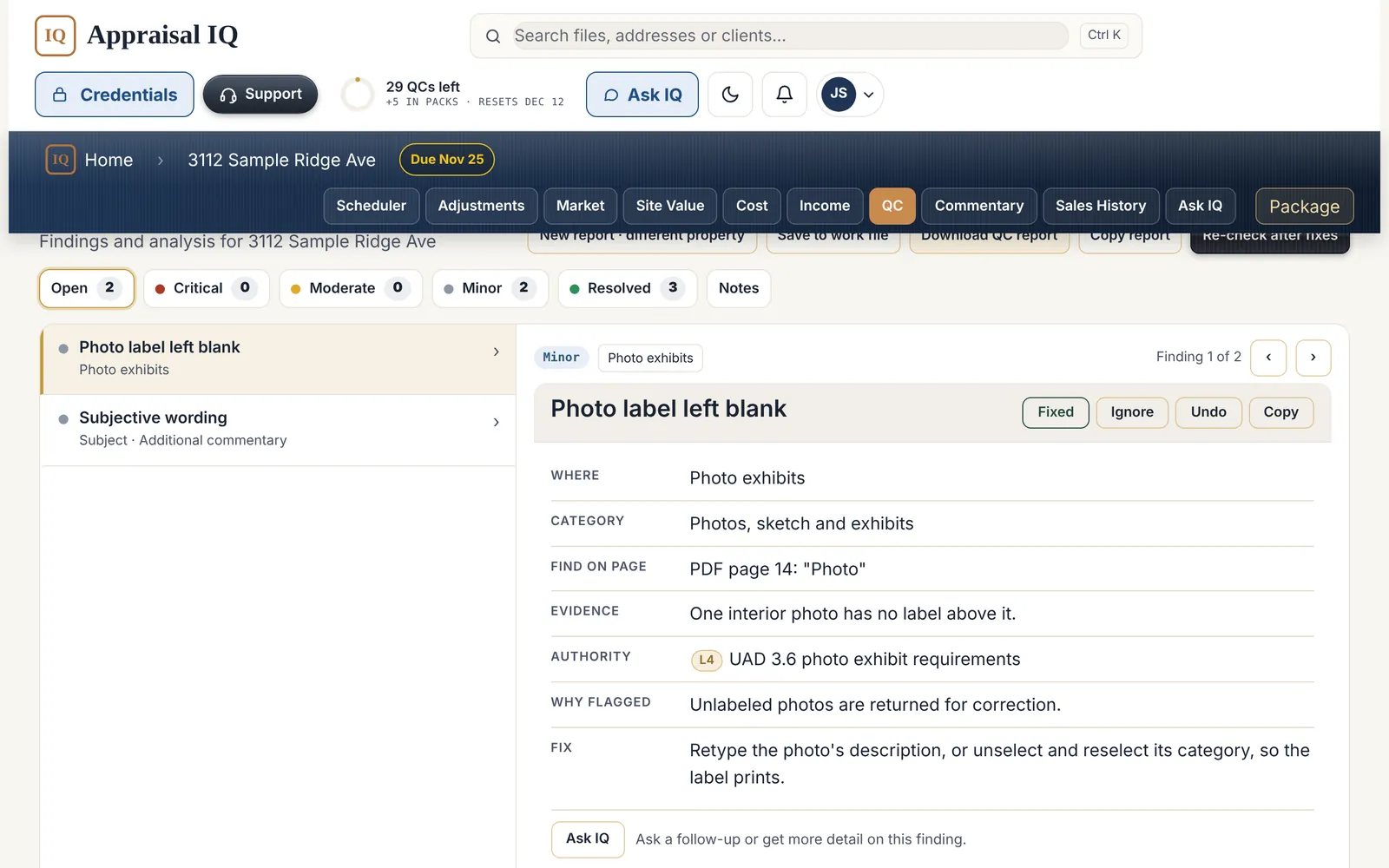
The package lists what the file holds: engagement letter, data received, the report as delivered, each engine that was run with its date, the QC result and re-check, revision requests and responses, Ready Commentary as delivered and the activity log. Check what goes in.
- Engine reports with the date each was saved
- QC score from the first run to the re-check
- Revision requests and your responses
A factual technology statement
The AO-41 section is written from what actually ran on the file: which engines, which calculations you directed, and that you supplied the data, chose the comparables and made every decision. It's a record, not a disclaimer.
- Built from the engines actually run
- States that you selected every comparable
- States that wording was approved by you
The record behind the report.
It keeps the record. The report is yours.
The package collects what you did and when. It doesn't change your analysis or conclusions, and whether your work file meets the record keeping rule for the assignment stays your responsibility.
Straight answers.
Where is the package saved?
On your computer. builds the PDF in your browser and keeps no copy.
When should I build it?
Any time. offers it automatically when you mark a file delivered, and you can build it again after a revision.
What's the AO-41 statement?
A factual section listing how was used on the file: the engines that ran, the calculations you directed, and that you supplied the data, chose the comparables and approved every word.
Can I leave parts out?
Yes. Check or uncheck each part before you build the PDF.
Close the file with the record in hand.
New plans and pricing arrive January 1. Request early access and we'll set you up. Your reports and work stay on your computer.