

Answer the reviewer the way you direct.
When a revision request, condition or ROV comes in, add the signed report and drop the request on the file. Each item is checked against your report, then the guidelines, and answered the way you direct, as text for a supplemental addendum. None of it uses a QC.
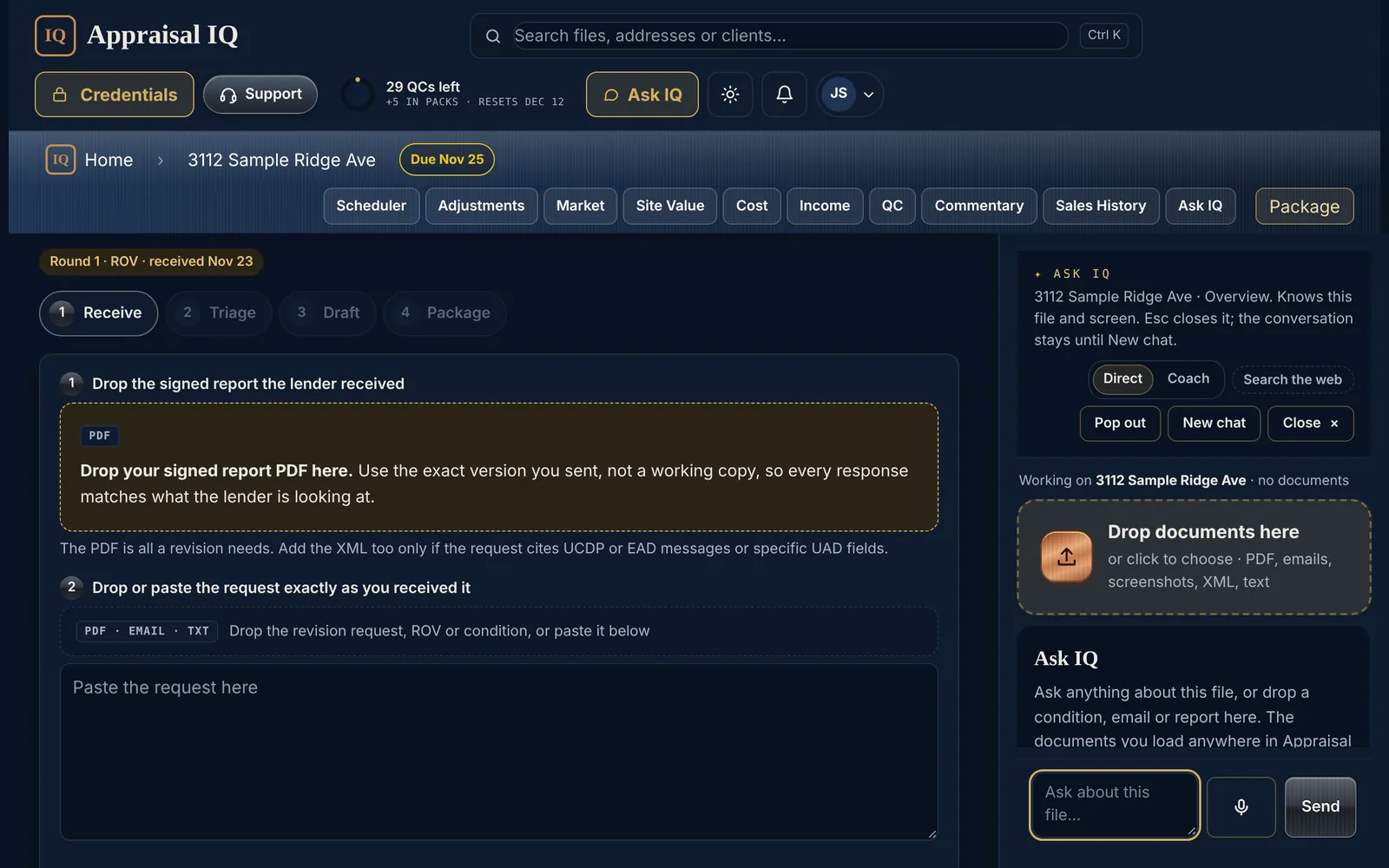
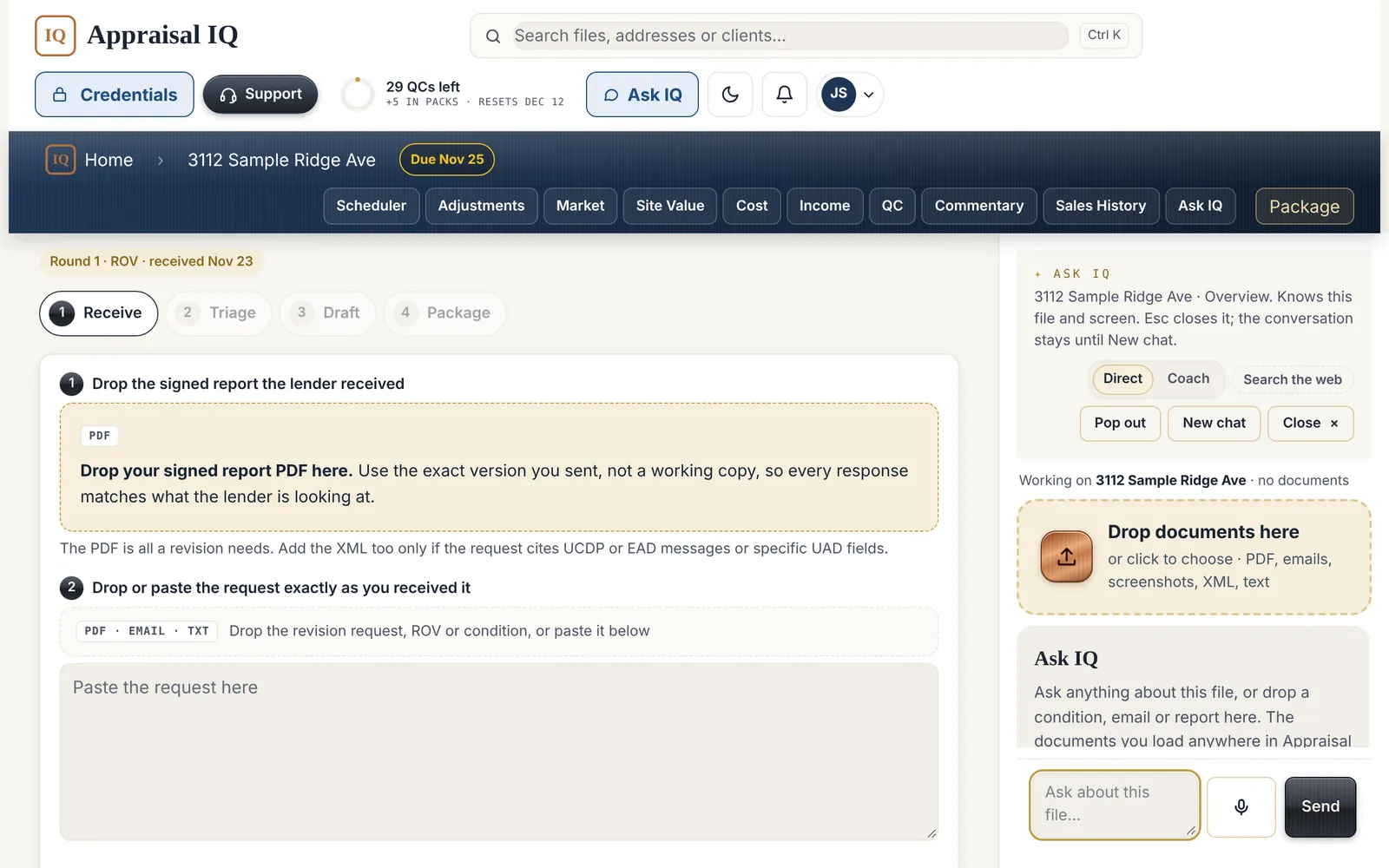
Step 5, screen by screen.
What you do, in order, and what Osova does for you at each point.
Add the signed report, then the request
Open Revisions and ROV on the file. Add the signed report first, every time: the response must come from the exact version the lender received. Then paste or drop the request; each item is listed separately, and you add your facts and notes for each, by voice if you like.
- Revision, condition or ROV
- PDF, email or text
- A later request on the same file starts a new dated round
Get answers you can paste
The response is text for a supplemental addendum: today's date, a statement that the items were reviewed, then each request and its response. Explanation questions get an explanation, corrections say what changed, and if nothing changed it says the information didn't warrant a change.
- No To, Re, sign-off or name
- If a comparable is added, you're reminded of the follow-on changes
- Revisions don't need a new QC
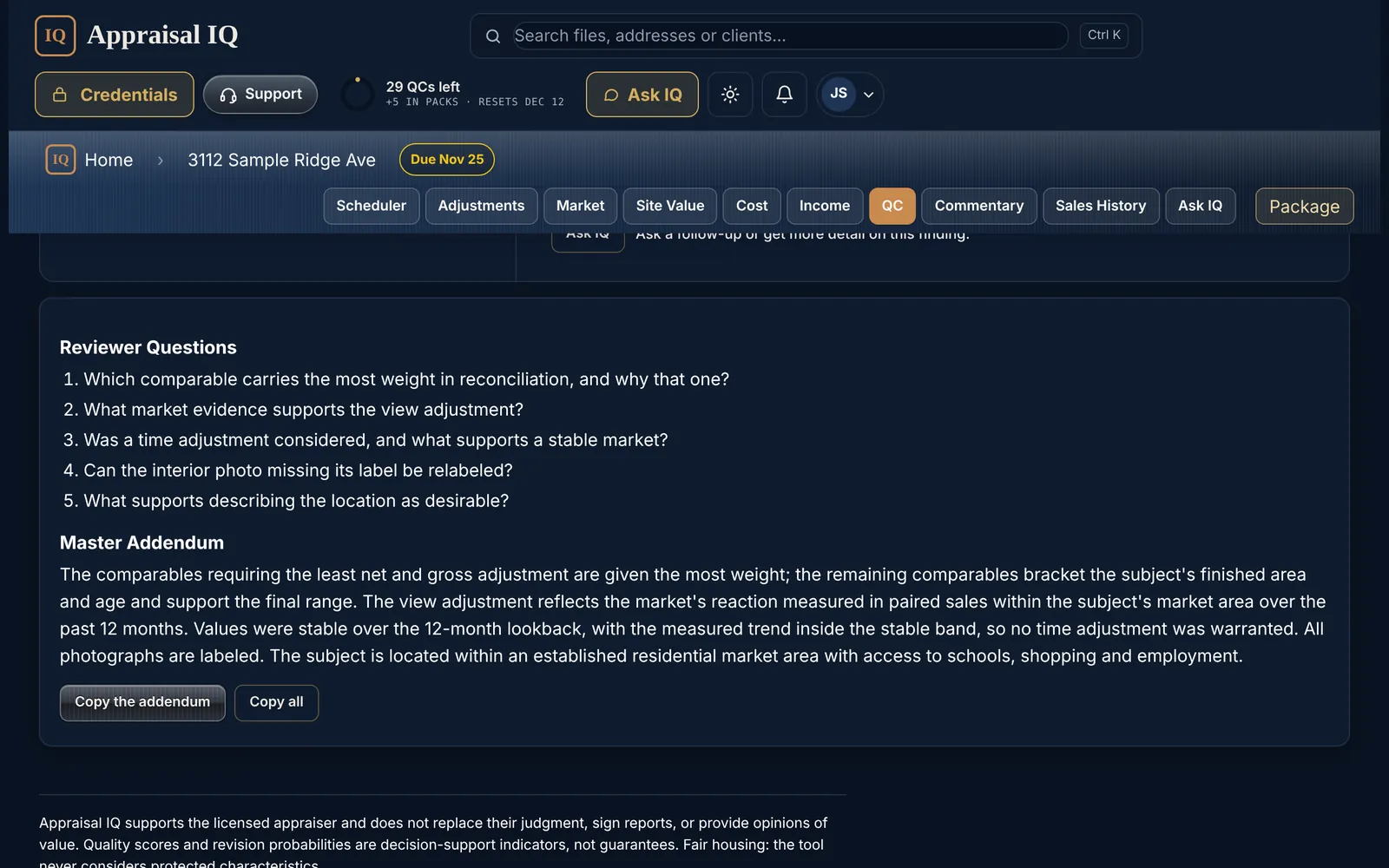
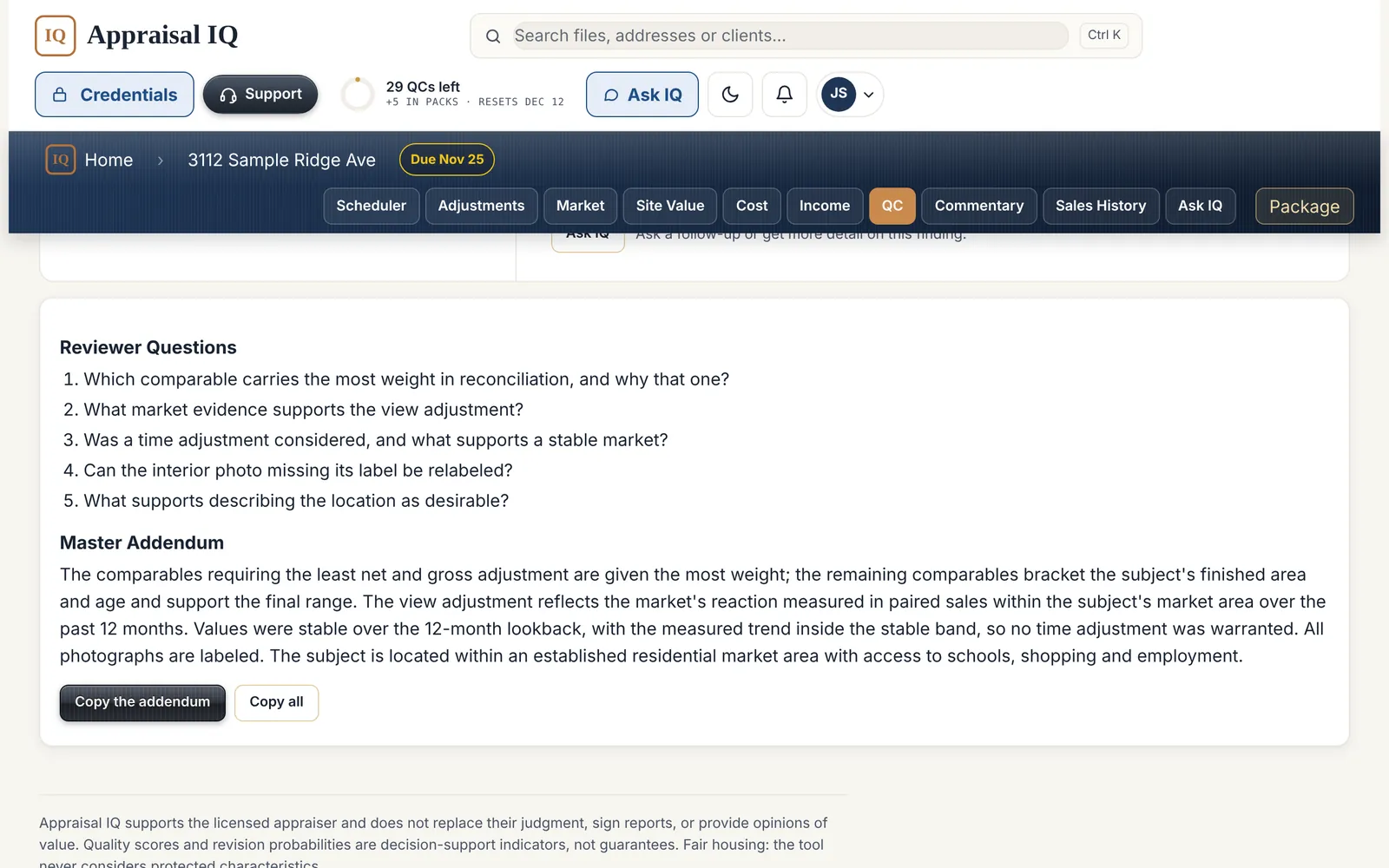
Or get ahead of it
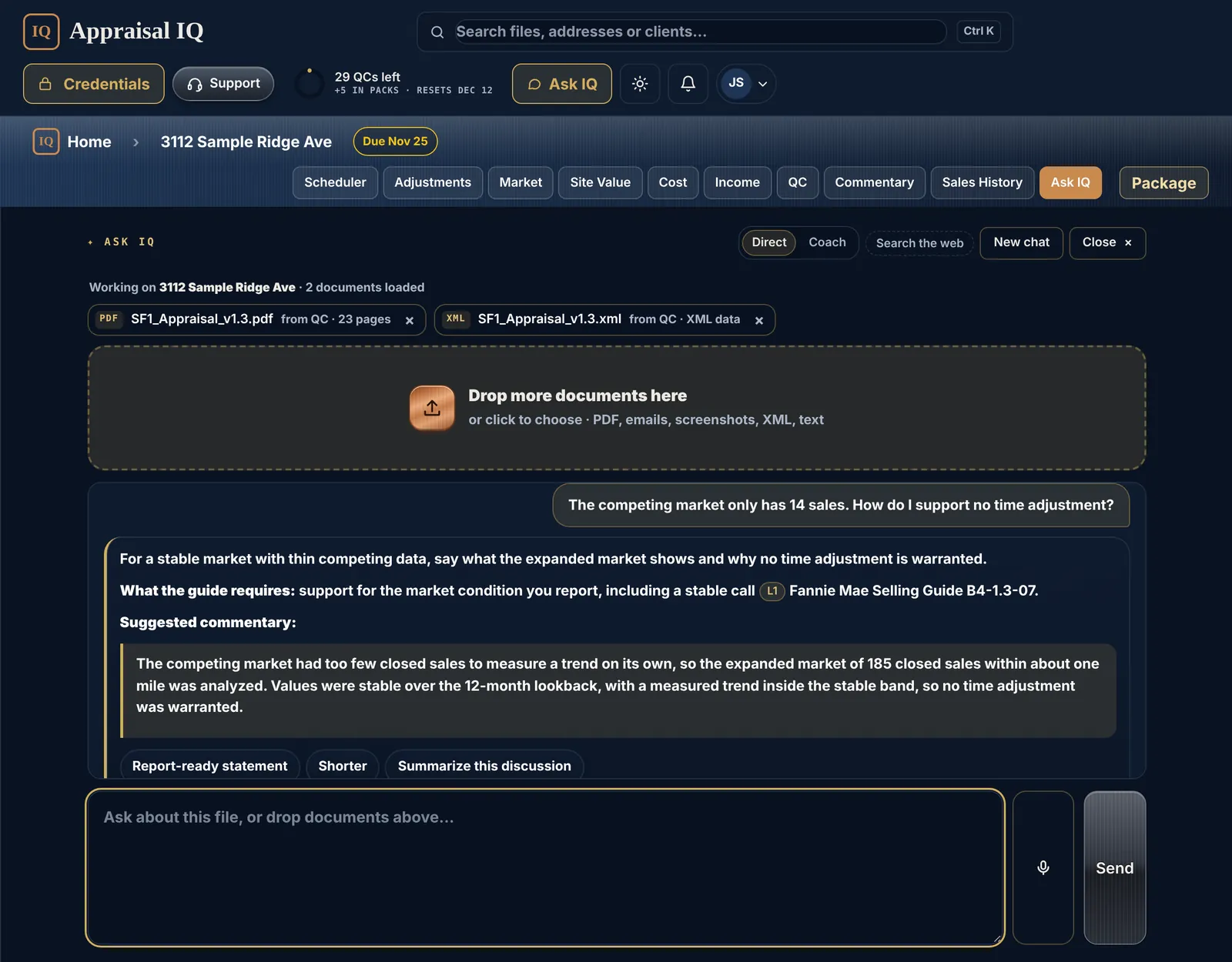
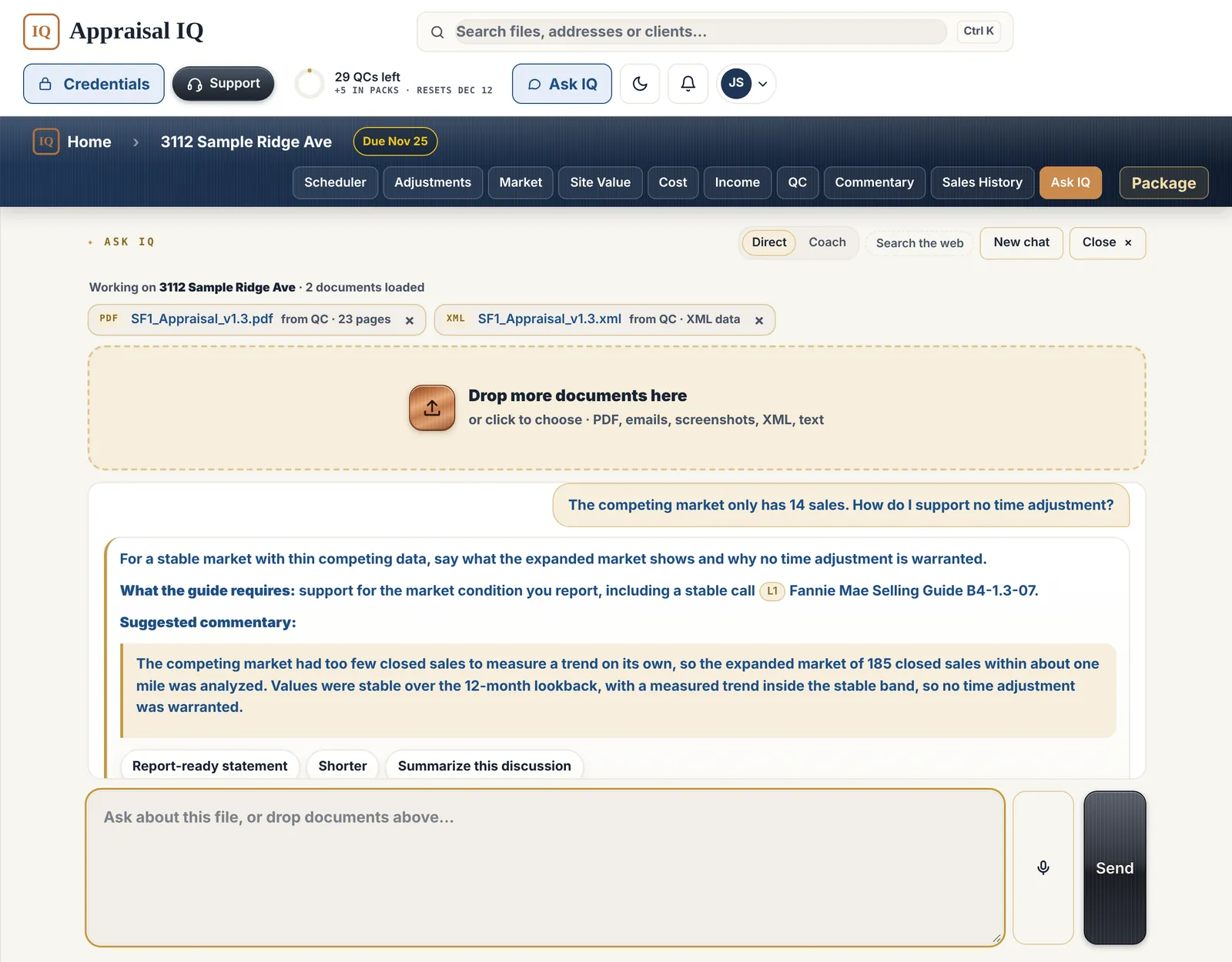
Before you deliver, Reviewer questions + addendum writes the 5 to 8 questions a reviewer is most likely to ask and an addendum that answers them, from your QC findings. For a one-off condition or UCDP message, ask Ask Osova and copy the paste-ready reply.
- Only facts in the findings, no placeholders
- Ask Osova cites the guideline behind every answer
- None of it uses a QC
Before you move on.
Straight answers.
Does it write a letter?
No. It writes text for a supplemental addendum: the date, a statement that the items were reviewed, then each request and its response.
What if the ROV has no new sales?
The response says the information provided did not warrant a change.
Does any of this use a QC?
No. Revisions, ROVs, reviewer questions and Ask Osova don't use a QC.
Try all six steps on your next report.
New plans and pricing arrive January 1. Request early access and we'll set you up. Your reports and work stay on your computer.